For bricklayers
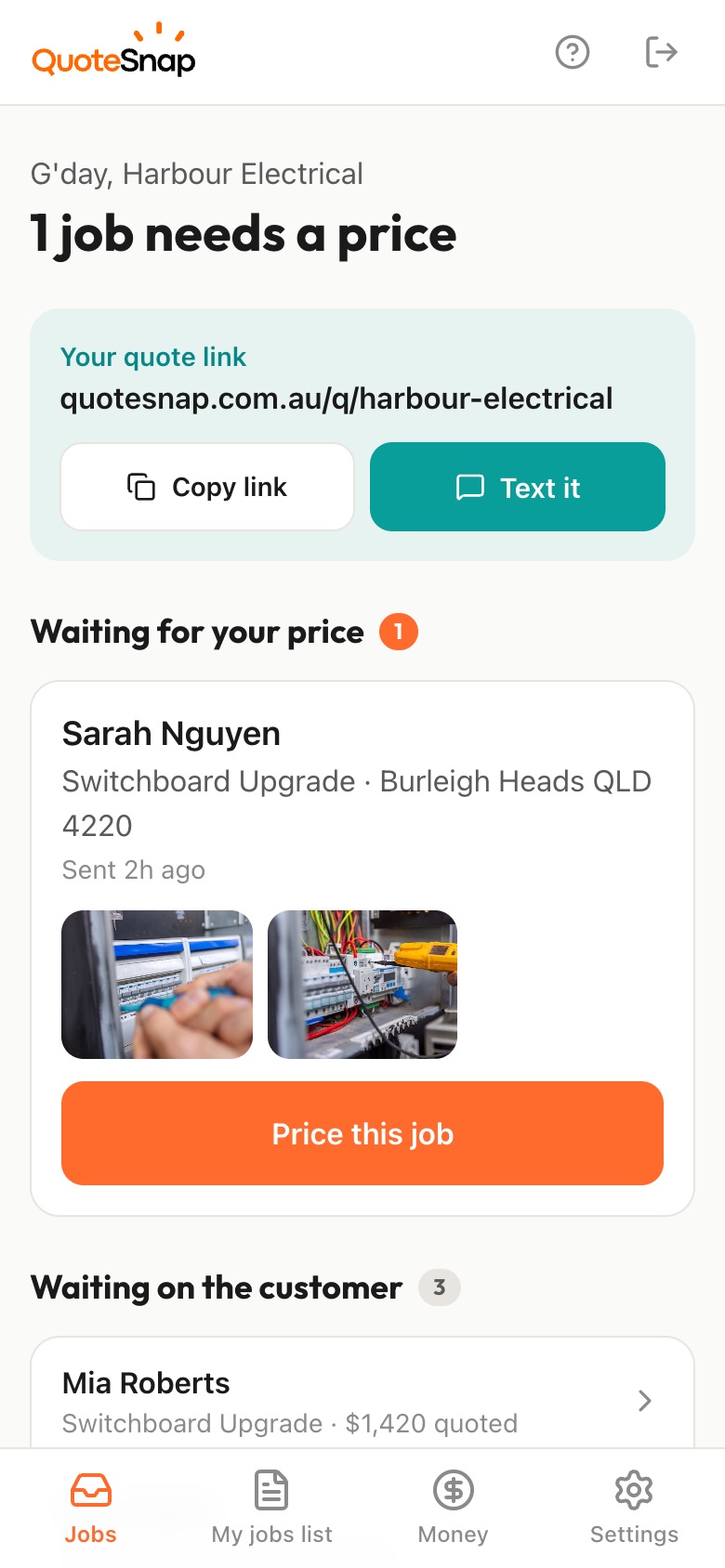
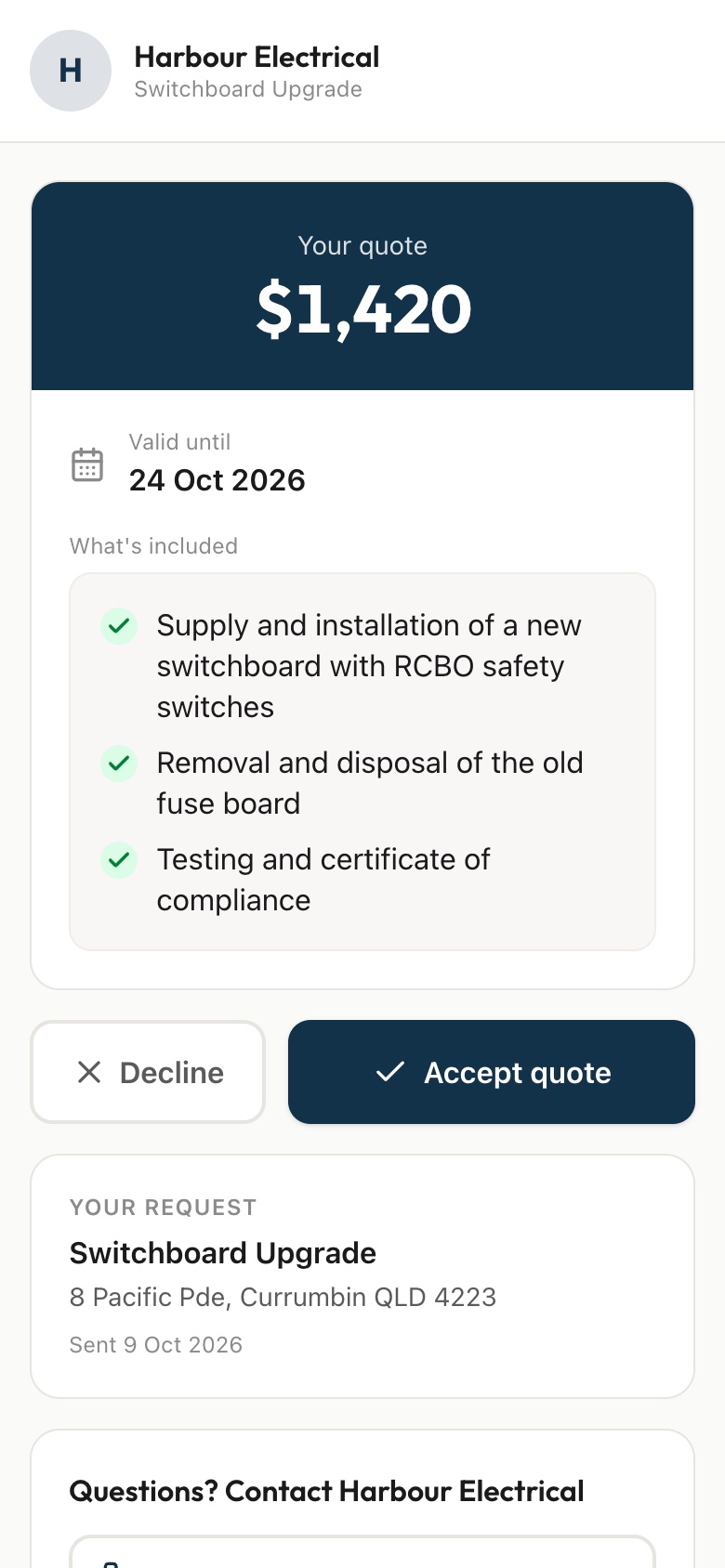
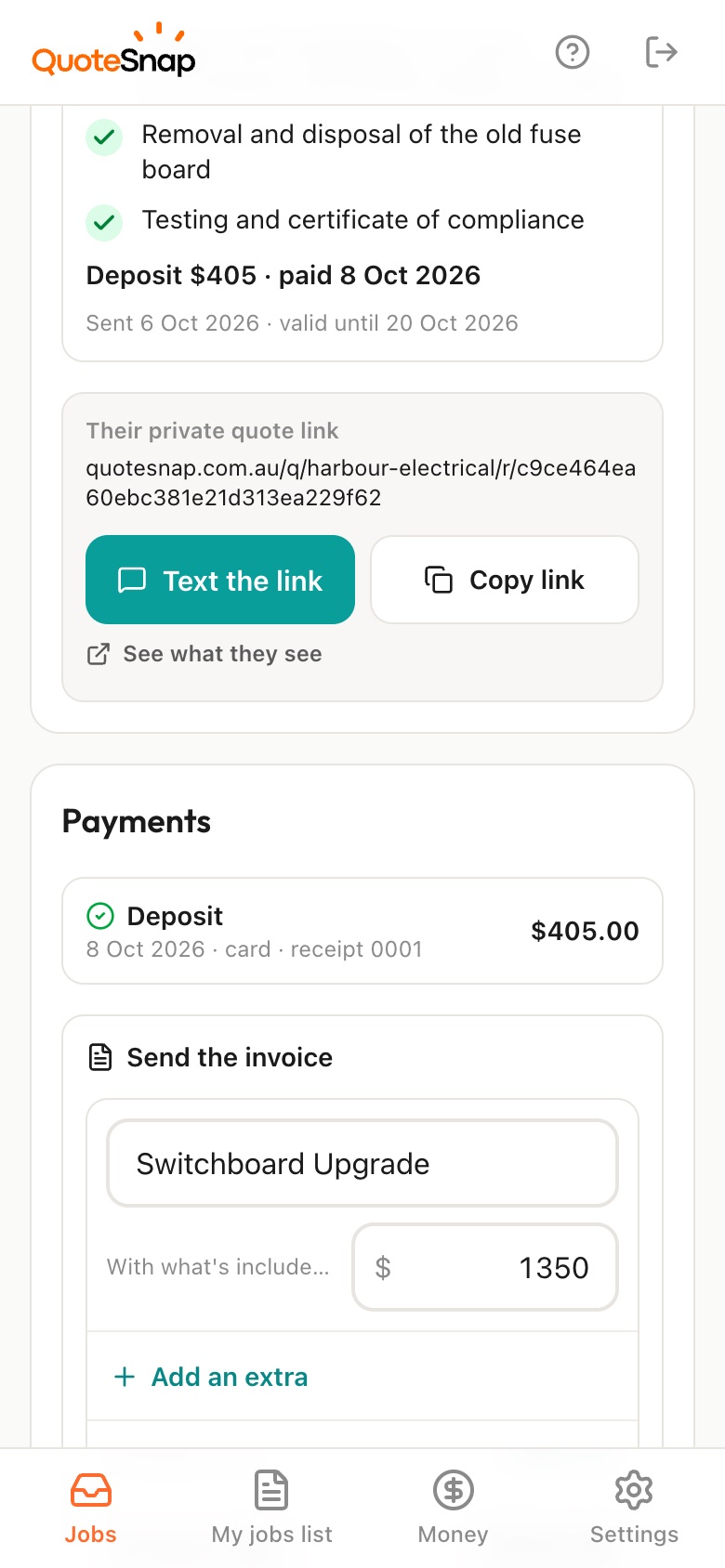
Text your customer a link. They photograph the existing brick up close, the damage or work area and the delivery access, then you price it from your phone and they sign to accept.
7 days free. Cancel any time.
Fix a crack in my brick wall could be a few bricks to repoint, or a section that has moved and needs rebuilding. A new garden wall could sit on solid ground or soft fill. If it has to match the house, you need to see the brick colour, texture and mortar before you know what you're sourcing. Then there's whether a pallet of bricks can get anywhere near the job.
QuoteSnap doesn't have a ready-made bricklaying form yet. Type the job, like retaining wall or brick letterbox, and artificial intelligence (AI) writes the questions and photo requests. You look them over and edit as needed. Your customer then photographs the existing brickwork up close in daylight, the full work area, the base it sits on and the way in for deliveries. You decide if that's enough to price, or if you still want to look.
Add any of these to your form, change anything you like, and your link is ready to send.
Not yet. Type the job name, such as brick repairs or barbecue area, and AI writes the questions and photo requests. Check them, add what you always ask, such as whether there are spare bricks on site, and send the link. The form stays saved and editable for next time.
A photo gets you started, not a final match. Ask for a close-up in daylight, plus a wider shot so you see the overall colour. Phone screens vary, so many bricklayers still check a sample or the wall itself. Asking whether there are leftover bricks from the original build can save a lot of searching.
Ask for close-ups of each crack plus a wide shot of the whole wall. The AI summary describes the condition it can see and flags anything worth a closer look. Some cracks are clearly a repoint and a few bricks. Others suggest movement, and you'll want to see what's behind them before you price.
For smaller walls, often yes. Ask how long and high it needs to be, what it holds back, and for photos of the slope and the ground at the base. Taller walls or anything near a boundary or building may need more than photos, and you decide when to go and see it.
Ask for a photo of the way in from the street and a question on whether a truck can get close. You'll see the driveway, side gates and anything blocking a pallet. The AI summary notes access as something to check if it looks tight, so you can price the barrowing in.
No. AI does not reliably measure or count from photos. Your customer gives you a rough length and height, and you work out the quantity yourself. The AI summary covers what's in the photos, the condition of the existing work, and any missing information you should ask about.
Small jobs are where a link helps most, because driving out to look at a letterbox eats into the margin. Your customer photographs the spot, the brick it should match and the ground. You price it from your phone and they sign to accept on the same link.
No. Your link opens in any phone browser. They tap through the questions, take the photos and send it.
Every plan starts with 7 days free. After that it's $4.99 a month for Basic or $8.99 a month for Premium, including GST. Cancel any time from your settings.
Pick a form, copy your link, and send it to your next enquiry. Cancel before day 7 and you won't be charged.