
Interior Painting
It asks things like
- What needs painting?
- Which rooms? (Select main ones)
- What condition are the walls?
Photos it asks for
- Main room to paint
- Wall condition close-up
- Additional rooms
For painters
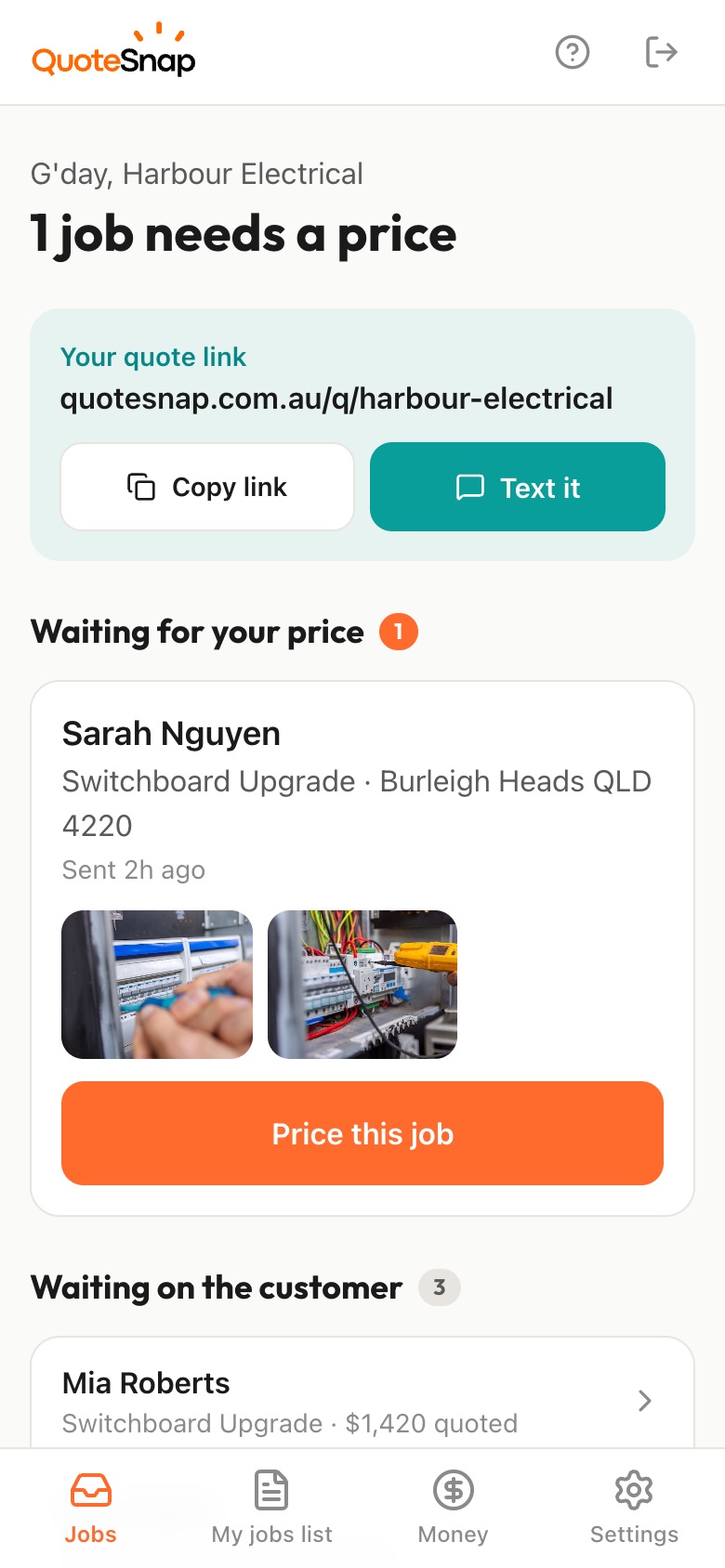
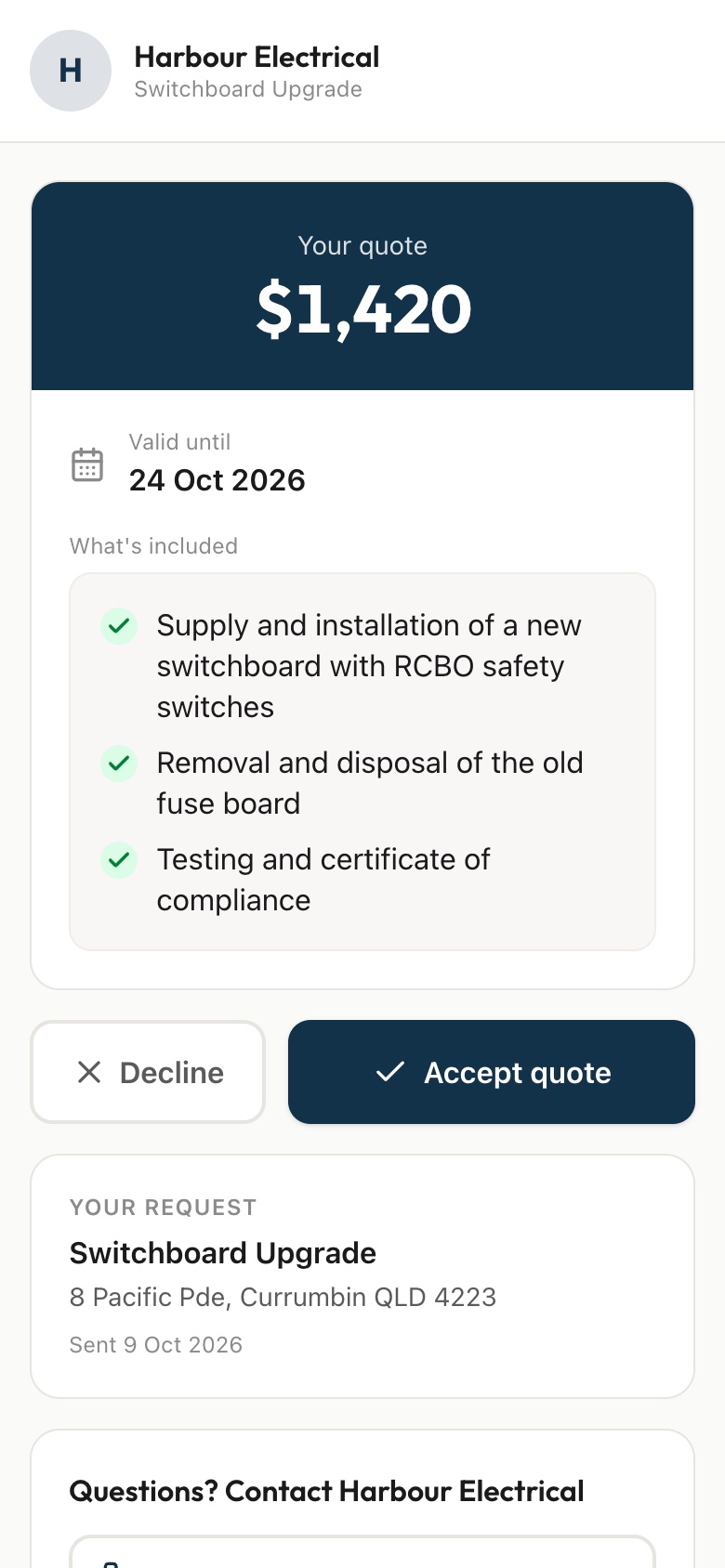
Send your customer a link. They pick the rooms, tell you the wall condition and photograph every surface, peeling paint included, then you price it from your phone and they sign to accept.
7 days free. Cancel any time.
A customer says the lounge needs a fresh coat. On the day you find patched holes, a water stain on the ceiling, gloss trim that needs sanding back and a room full of furniture. Outside, a whole house repaint could mean flaking eaves on the back you never saw from the street. The prep is where the job's real cost hides, and it's the part customers forget to mention.
QuoteSnap has ready-made Interior Painting and Exterior Painting forms. Your customer taps through rooms, wall condition, ceiling height, colours and furniture, or the surface type, storeys and prep needed outside. Then they photograph the main room, close-ups of damage and every side of the house. Artificial intelligence (AI) asks for a retake when a photo is too dark to show the wall. You price the prep you can actually see.
It asks things like
Photos it asks for
It asks things like
Photos it asks for
Nearly every question is a tap, not typing. Quoting a different job? Type the job name and AI writes the questions and photo requests for you to check.
Want the quote itself laid out? Get the free painting quote template.
Interior Painting and Exterior Painting. Interior asks what needs painting, which rooms, wall condition, ceiling height, colours and furniture. Exterior asks what needs painting, the main surface, storeys, current condition and prep. For cabinets, deck staining or commercial work, type the job name and AI writes the questions and photo requests, which you check and edit.
The form asks how many storeys and the condition of the paint, and asks for the front, back and sides plus close-ups of problem areas. The AI summary flags things like height or access as something to check. Whether the photos are enough, or you still want to look, is always your call.
The exterior form asks about condition, with options like peeling or flaking, faded, mould or mildew, or never painted. It then asks what prep looks needed: pressure washing, scraping and sanding, or repairs. Inside, the wall condition question covers patching, water damage and wallpaper. A close-up photo shows you the rest.
The interior form asks whether colours are chosen, staying the same, or still undecided, so you know where your customer stands before you price. Your quote goes out with a list of what is included, such as the rooms, surfaces and number of coats you allowed. They sign that list, so a later change is clearly a change.
Yes. The interior form asks whether the rooms will be empty, whether furniture can be moved to the centre, or whether it stays and you work around it. The wide room photo shows you how much is in there. You can price the extra handling or ask your customer to clear the room.
No. AI doesn't reliably measure or count from photos, so square metres are still yours to estimate. What it does is check each photo as it arrives and write a short summary of what's in the photos, the condition of the surfaces, and anything to check such as access or missing information.
It works well for small jobs, because a trip to look at one wall is hard to charge for. The interior form has a feature wall option. Your customer shows you the wall, its current finish and any marks, and you send a quote they can sign from the same link.
No. Your link opens in any phone browser. They tap through the questions, take the photos and send it.
Every plan starts with 7 days free. After that it's $4.99 a month for Basic or $8.99 a month for Premium, including GST. Cancel any time from your settings.
Pick a form, copy your link, and send it to your next enquiry. Cancel before day 7 and you won't be charged.