Why the request matters as much as the photos
Most customers are happy to send photos. The problem is they don't know what you need. Ask for "a photo of the hot water system" and you'll get the top half of the tank, in the dark, taken from the back door. Not their fault. They don't know you need the data plate.
This guide covers both: which photos to ask for in each trade, and how to word the request so you get them right the first time.
How to ask so they get it right
One photo, one thing
Ask for each photo separately and name the thing in it. "Switchboard with the door open" beats "some photos of your electrics". A list of separate requests is easier to follow than a paragraph of instructions.
Say where to stand
Most bad photos are taken too close. Tell them: "Step back so we can see the whole wall, floor to ceiling." Then ask for the close-up as a separate photo.
Wide, then close
For damage, ask for two: a wide shot showing where it is, then a close-up showing how bad it is. A close-up of a crack on its own could be anywhere in the house.
Ask for light
"Turn the lights on and use your flash" fixes most dark photos, especially in cupboards, meter boxes and under sinks.
Give them something for scale
"Put your hand or a phone next to it" helps you judge size. If the price depends on a measurement, still ask for it as a question.
Don't ask for what you won't use
Every extra photo is another chance they give up halfway. If you'd never look at it, drop it.
Photos to ask for, trade by trade
Where QuoteSnap has a ready-made form, these lists match it, plus a few extras worth adding.
Electricians
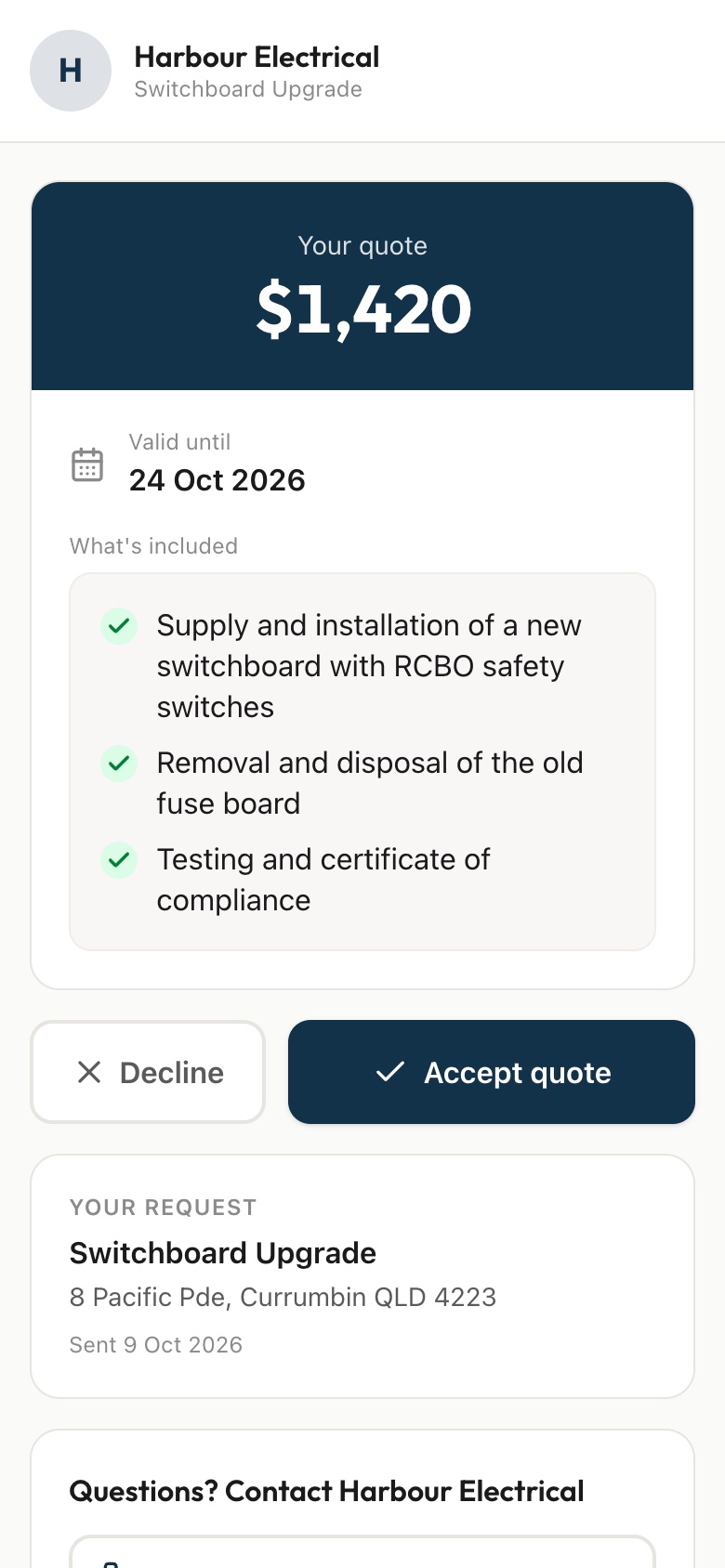
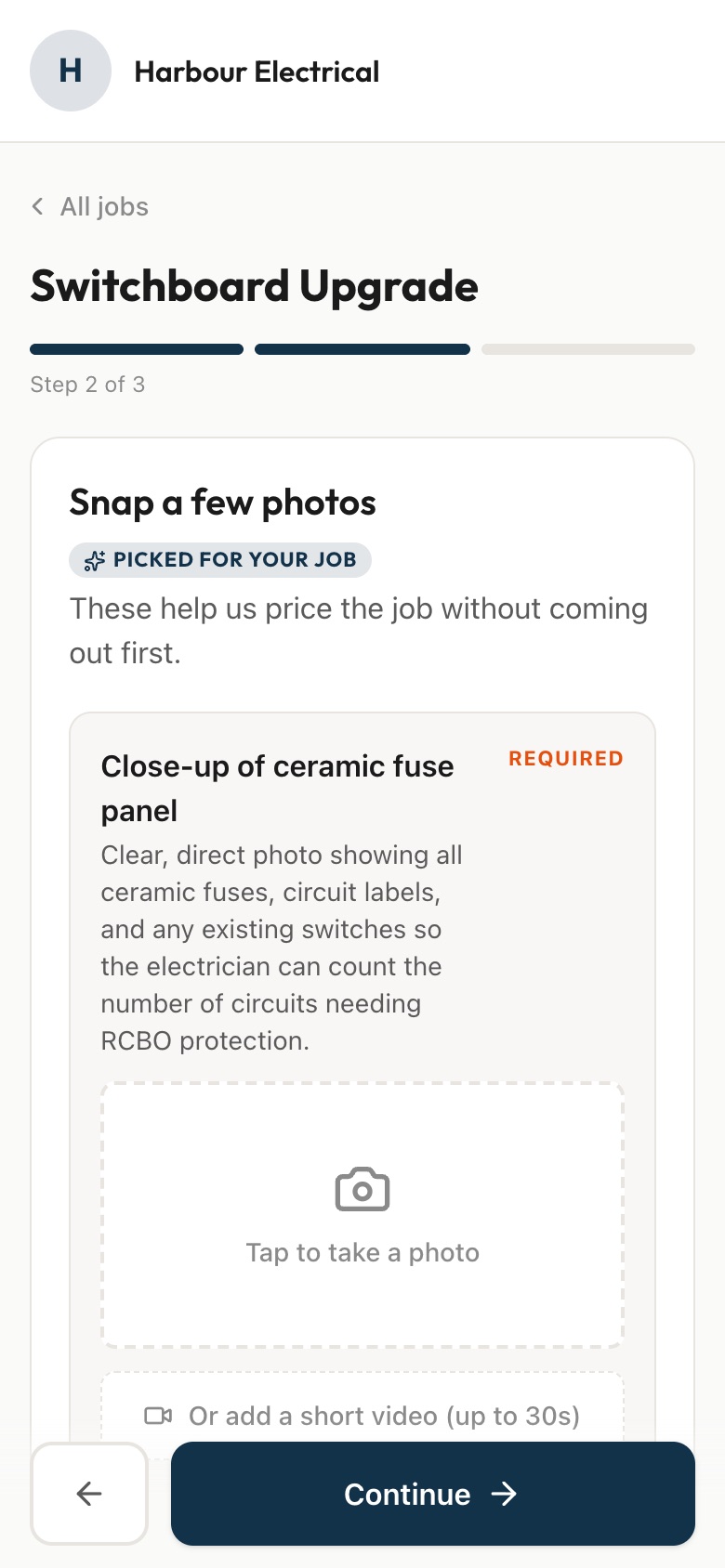
For a switchboard upgrade: the switchboard closed, the switchboard with the door open, and the meter box. Add the area around the board if access might be tight.
For power points: the spot where they want it and the nearest existing power point. Ask what the walls are made of and whether there's roof access above.
For a ceiling fan: the spot on the ceiling, the light switch, and the fan itself if they've already bought one.
For an EV (electric vehicle) charger: the install location, the switchboard, and the path the cable would take between them.
Photo quoting for electricians.
Plumbers
For hot water: the whole unit, a close-up of the data plate or label, and the area around it. Read the label yourself.
For a blocked drain: the blocked drain and any water backing up. Add outside inspection points if they can find them.
For a leaking tap: the tap and the cupboard underneath it, doors open and flash on.
For gas fitting: the install location, the gas meter and the appliance. Treat these as scoping photos. Anything that needs checking still gets checked on site by a licensed gasfitter.
Builders
For a deck: a wide shot of the build area, the ground surface, the house wall it would meet, and the existing deck if it's a replacement.
For a fence: the full fence line, the existing fence if replacing, the ground, and the access point for materials.
For a pergola or patio: the build area, the house wall if it's attaching, and the ground surface.
HVAC (heating, ventilation and air conditioning)
For a split system: where the indoor unit goes, where the outdoor unit goes, and the existing unit if they're replacing one. It's worth adding the switchboard and the route between the two units. There's a full walkthrough in how to quote a split system install from photos.
Photo quoting for HVAC technicians.
Roofers
For a roof repair: an overview of the roof from the ground or the street, the damage area, and the ceiling inside if there's a leak.
For gutters: the gutters and the worst section. Downpipes too, if they might need replacing.
Remind them to stay on the ground. A photo from across the street or an upstairs window is plenty.
Painters
For interior painting: the main room, a close-up of the wall condition, and any extra rooms. Ask them to take each room from the doorway so you see every wall.
For exterior painting: the front of the house, the back and sides, and close-ups of any problem areas like peeling paint or rot.
Landscapers
There's no ready-made landscaping form, so you set one up yourself (more on that below). Good photos to ask for:
Photo quoting for landscapers.
Questions do half the work
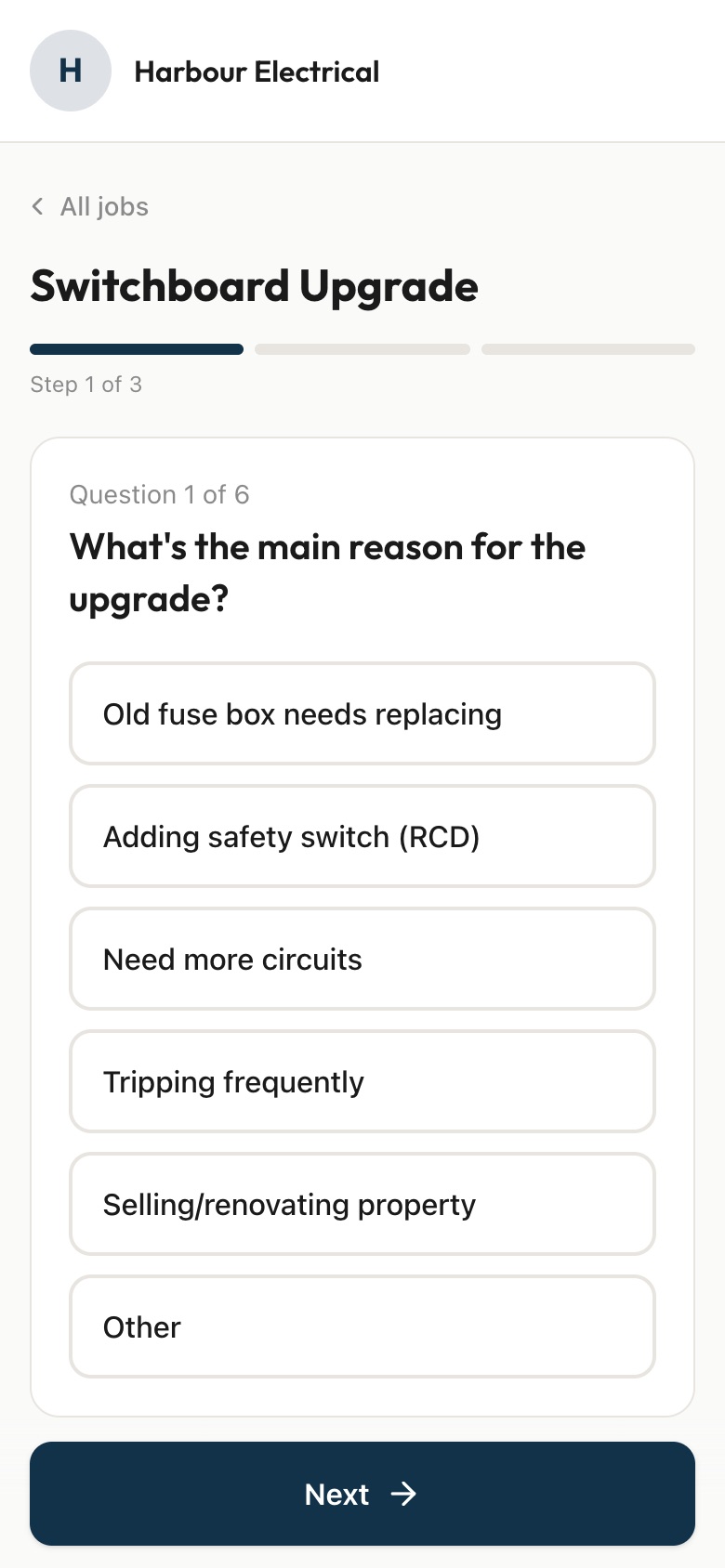
Some things photos can't show. Pair the photos with short questions, ideally tap-to-answer:
- Roughly how old is the property?
- How many storeys?
- Is the problem getting worse?
- Have they tried anything already?
- Rough measurements, if the price depends on them.
What to check when the photos arrive
Before you price, run through:
- Can you see what you need? If the key detail is cut off or hidden, ask for one more photo rather than guessing.
- Is anything missing? A rough measurement, an access detail, or a photo of the other side of the wall.
- Is there a safety flag? Water near electrics, possible asbestos, signs of structural movement. These are visit jobs.
- Is it what they said it is? Sometimes the photos show a bigger job than the description.
If the photos are enough, price it. If they're not, book a visit and arrive knowing what to bring.
Setting this up in QuoteSnap
You text or email the customer a link. They open it in their phone browser, answer the questions and take the photos, with nothing to download. AI (artificial intelligence) checks each photo as it comes in and asks them to retake it if it's blurry, too dark, not of the job or looks like a stock image, so the bad ones get fixed before they reach you.
Electricians, plumbers, builders, HVAC technicians, roofers and painters have ready-made forms. For anything else, landscaping included, type the job name and AI writes the questions and photo requests, then you check and edit them. Every form is editable, so add the extras from this list that suit how you quote.
Each request lands with a short summary of what's in the photos and anything to check. Read labels and measurements yourself, though, because AI doesn't reliably pick up brands, models or sizes.
The short version
- Ask for one photo per thing, and name the thing
- Tell them where to stand: wide first, then close
- Ask for lights on, flash on and something for scale
- Never ask them to climb, reach or take covers off
- Pair the photos with short tap-to-answer questions
- Check what lands before you price, and visit if it isn't enough
Free download
Photo request text templates
Copy-and-paste texts for asking customers for the right photos, by trade.
We'll send the odd quoting tip. Unsubscribe any time.
Send your next quote link today.
Pick a form for your trade, copy your link, and send it to your next enquiry. 7 days free. Cancel any time.
Start free trial