For solar installers
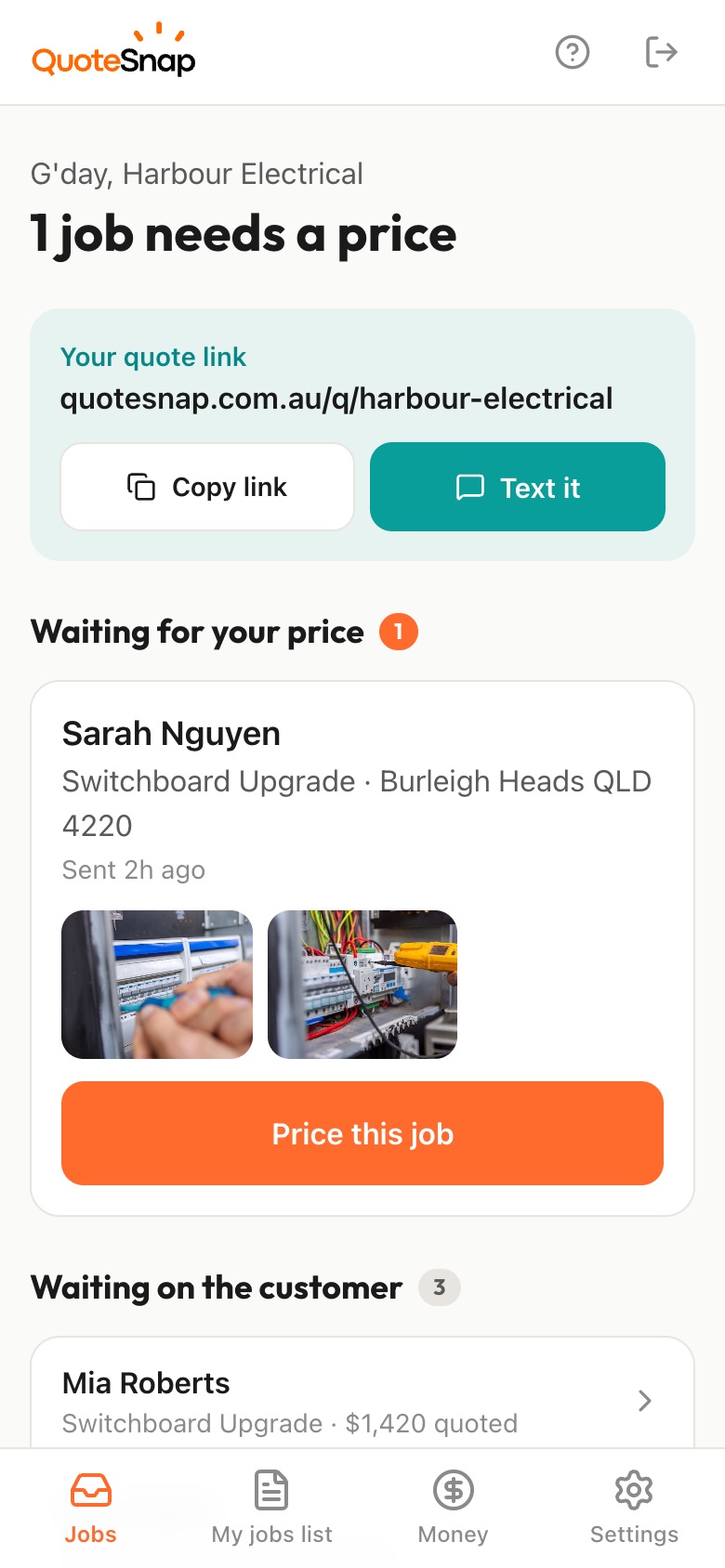
Send your customer a link. They photograph the roof from the street, the switchboard with the door open and the meter box, then you price it from your phone and they sign to accept.
7 days free. Cancel any time.
A solar enquiry rarely says which way the roof faces, what it's made of, or whether the neighbour's gum tree shades it all afternoon. You don't know if the switchboard has room, where the meter box sits, or whether it's a two-storey roof with a steep pitch. For a battery, you don't know which wall it would go on. All of that shapes the system you'd offer.
QuoteSnap doesn't have a ready-made solar form yet. Type the job, like battery storage or inverter replacement, and artificial intelligence (AI) writes the questions and photo requests. You check them and edit anything that doesn't fit. Your customer then photographs the roof, the switchboard, the meter box and any shading. If a switchboard shot is blurry or too dark, they're asked to retake it, so you can actually read the board yourself.
Add any of these to your form, change anything you like, and your link is ready to send.
Not yet. Type the job name, such as solar panel installation or solar hot water, and AI writes the questions and photo requests. You read through them, add anything you always need, and remove what you don't. Every form is editable, including the order of the steps.
You can get a good first look. Roof photos show the faces, roof material and shading, but not exact dimensions or pitch. Many installers use the link to put together an indicative quote and confirm on site before installing. You always decide whether the photos are enough or you still want to visit.
No. AI does not reliably identify brands, models or ratings, so it won't tell you what's in the board. It checks the photo is clear, well lit and of the right thing, and asks for a retake if not. You read the board and the inverter label yourself.
Ask where your customer would like the battery and request a photo of that wall, plus the switchboard and meter box nearby. Add a question on whether they already have solar. You see the location and the distance between things before you price it, rather than finding out on the day.
Ask how many storeys and request photos of each roof face from the street and the yard. The AI summary flags height or access as something to check when the photos suggest it. You decide what access equipment to allow for, or whether to see the roof first.
Type commercial solar as the job and AI writes a starting set of questions, such as roof type, building use and where the main switchboard is. Edit them to suit. Larger sites usually still need a visit, but the link means you arrive knowing the building and who you're dealing with.
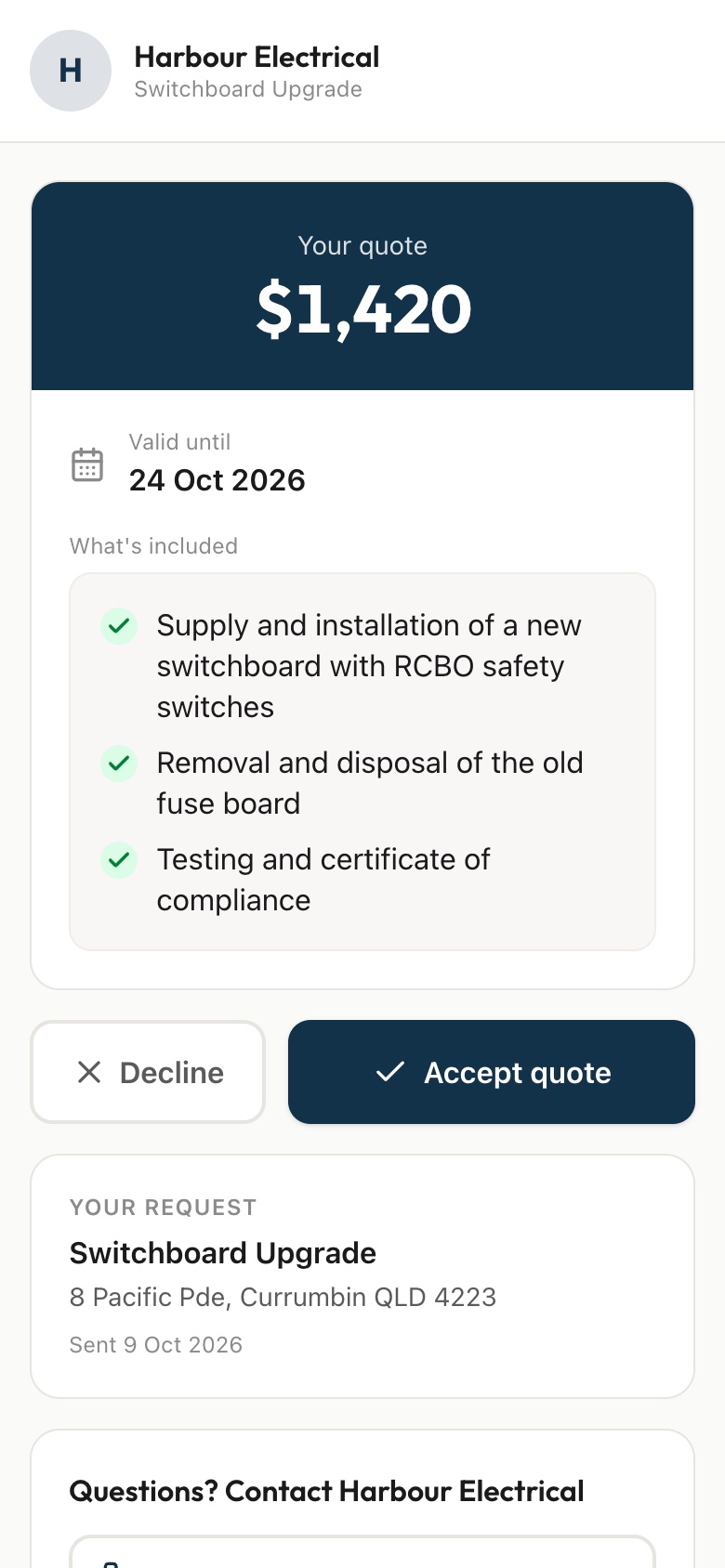
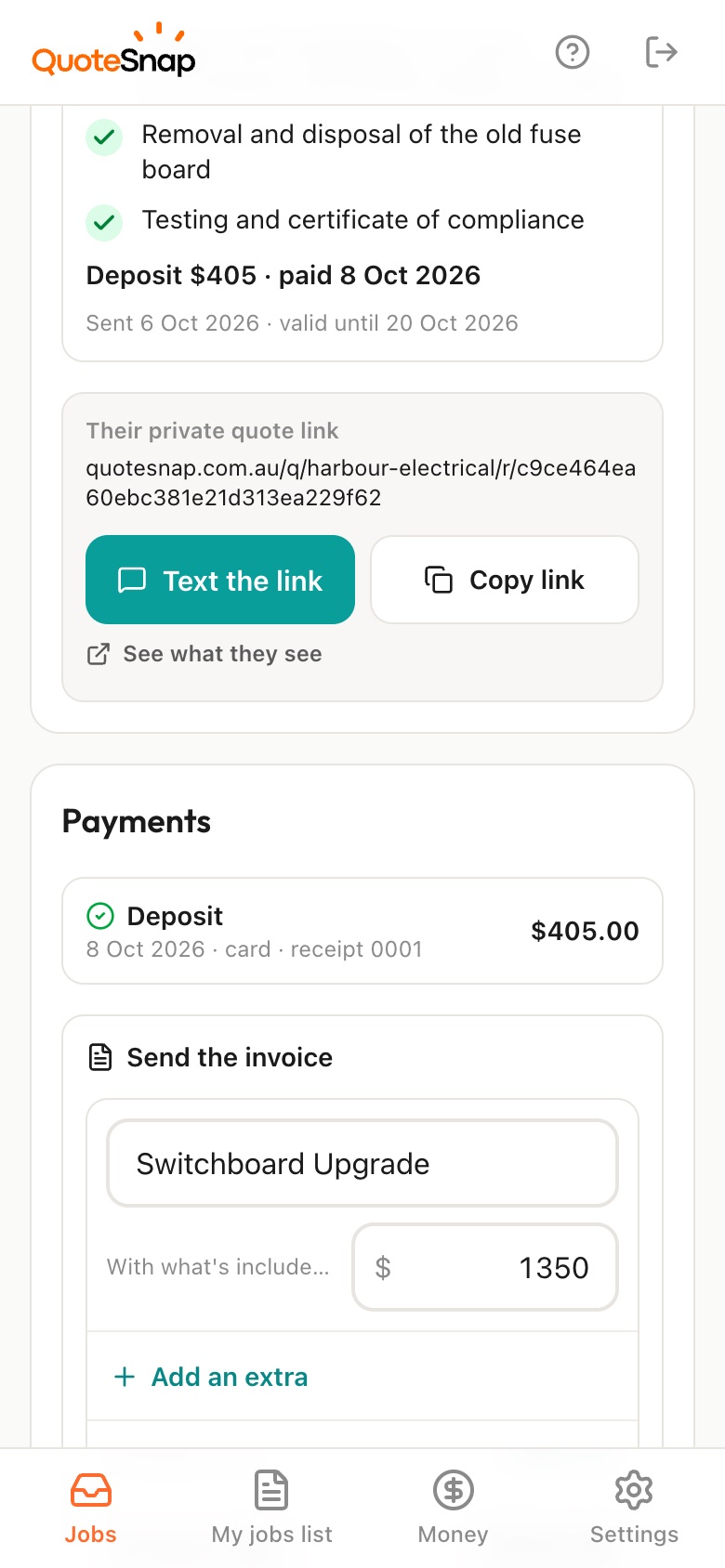
On Premium, yes. Your customer signs the quote on the same link and pays a deposit by card, Apple Pay or Google Pay through Stripe. The money goes into your own Stripe account. On any plan, the quote lists what is included, so the panels, inverter and battery you allowed for are clear.
No. Your link opens in any phone browser. They tap through the questions, take the photos and send it.
Every plan starts with 7 days free. After that it's $4.99 a month for Basic or $8.99 a month for Premium, including GST. Cancel any time from your settings.
Pick a form, copy your link, and send it to your next enquiry. Cancel before day 7 and you won't be charged.