For carpenters
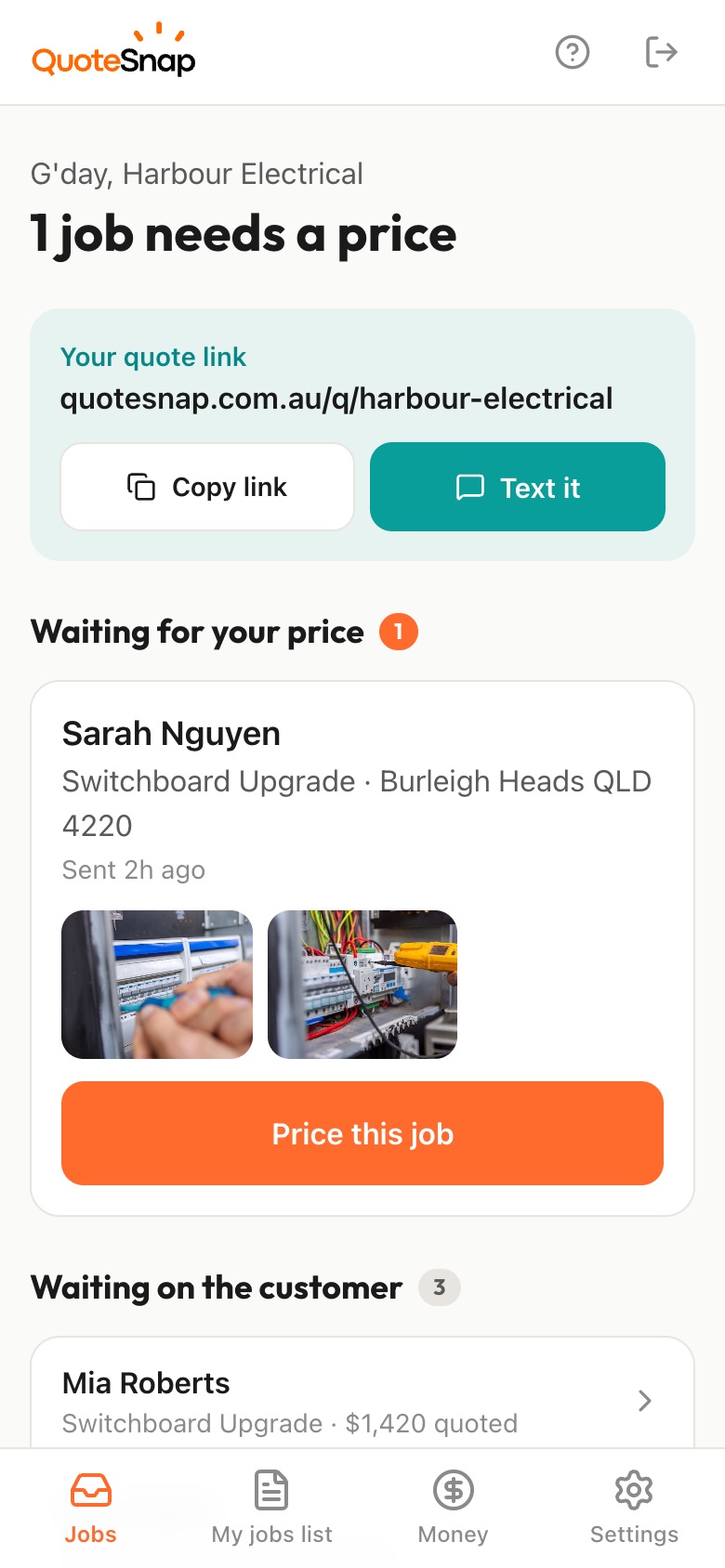
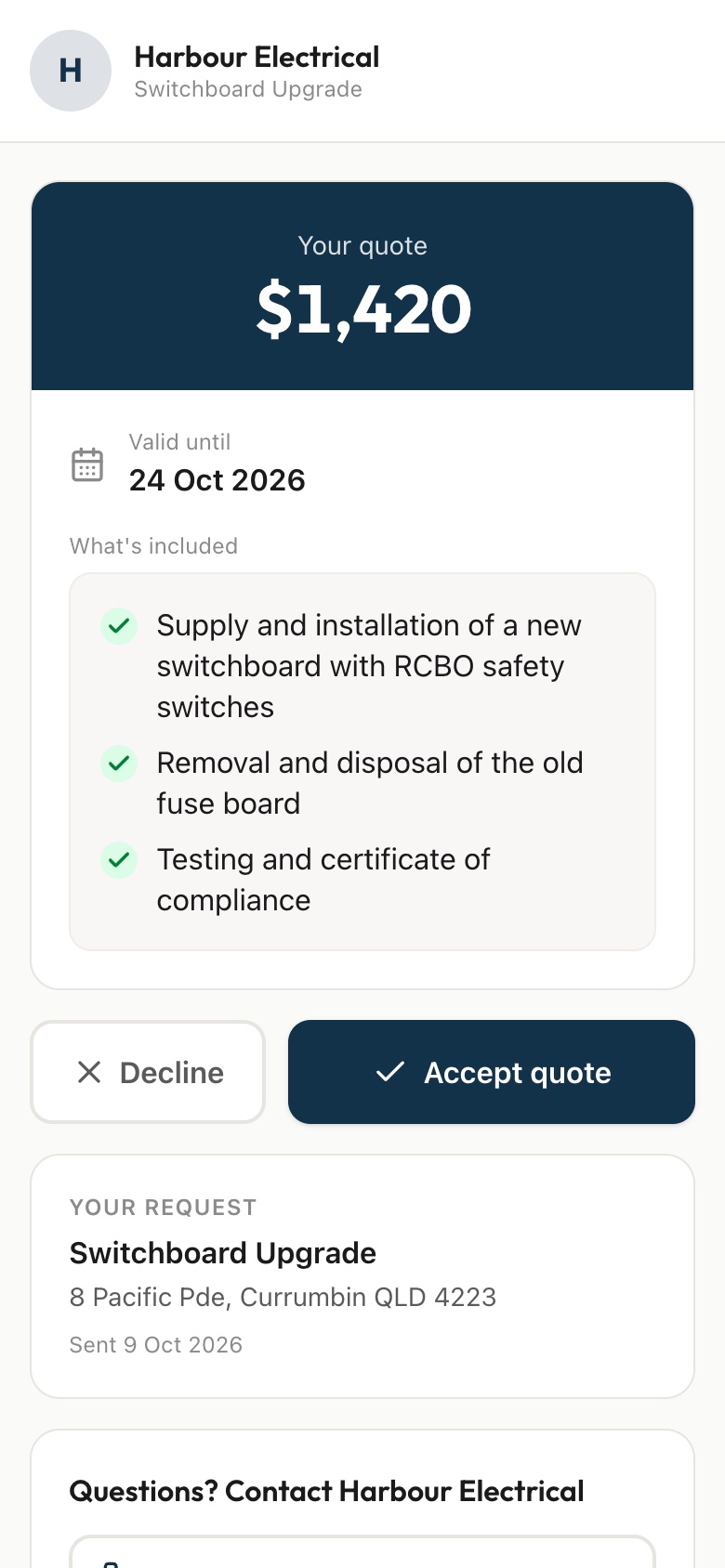
Send your customer a link. They answer a few questions and photograph the space, the existing joinery and any doorways or openings, then you price it from your phone and they sign to accept.
7 days free. Cancel any time.
Carpentry is custom by nature, which makes it hard to price from a phone call. A customer asks for a built-in wardrobe without saying the alcove is out of square, or wants a new door hung in a frame that's dropped. They send you an inspiration picture saved from the internet, not the actual room. Then there's matching: new skirting or cabinet doors that have to sit beside timber that's been there for decades.
A QuoteSnap link gets you the real room first. Type the job, say 'built-in wardrobe' or 'replace internal door', and artificial intelligence (AI) writes the questions and photo requests. You check and edit them. Your customer photographs the space, the joinery you'll need to match and close-ups of the timber and finish. You see what you're walking into, then price it or decide it needs a tape measure on site.
Add any of these to your form, change anything you like, and your link is ready to send.
Not yet. Type the job name, such as 'built-in wardrobe', 'hang new doors' or 'timber deck stairs', and the AI writes questions and photo requests to suit. You check them, change the wording, remove anything you don't need and reorder the steps. Save it and you can reuse it for the next job of the same kind.
You can ask for them, and ask the customer to put a tape measure in the photo. Just treat their numbers as a guide. The AI checks the photos are clear and of the job, but it doesn't measure anything. For cabinetry or stairs where a few millimetres matter, most carpenters still check on site before cutting.
Add a photo request for the piece the new work has to sit beside, and a close-up of the grain and finish. You'll see the profile of the skirting, the style of the cabinet doors or the colour of the floor before you quote, so you can price the right timber and allow for any finishing work.
Yes. Add an optional photo request for the look they want, alongside the photos of the actual room. Having both side by side shows you the gap between the picture and the space, which is usually where the quoting surprises come from. You can price what they asked for, or offer an option that fits.
Ask what's on the floor now, how many rooms, and whether there are steps or thresholds into other rooms. Ask for photos of each room and a close-up of the existing floor at a doorway. The AI summary flags anything worth checking, such as floor condition or missing rooms. You decide if you need to see the subfloor first.
You price each quote yourself on your phone, so you put in today's numbers. The quote goes out with a list of what's included, so your customer can see the timber, hardware and labour it covers. If something on site changes the scope, that's a conversation you have with them, the same as now.
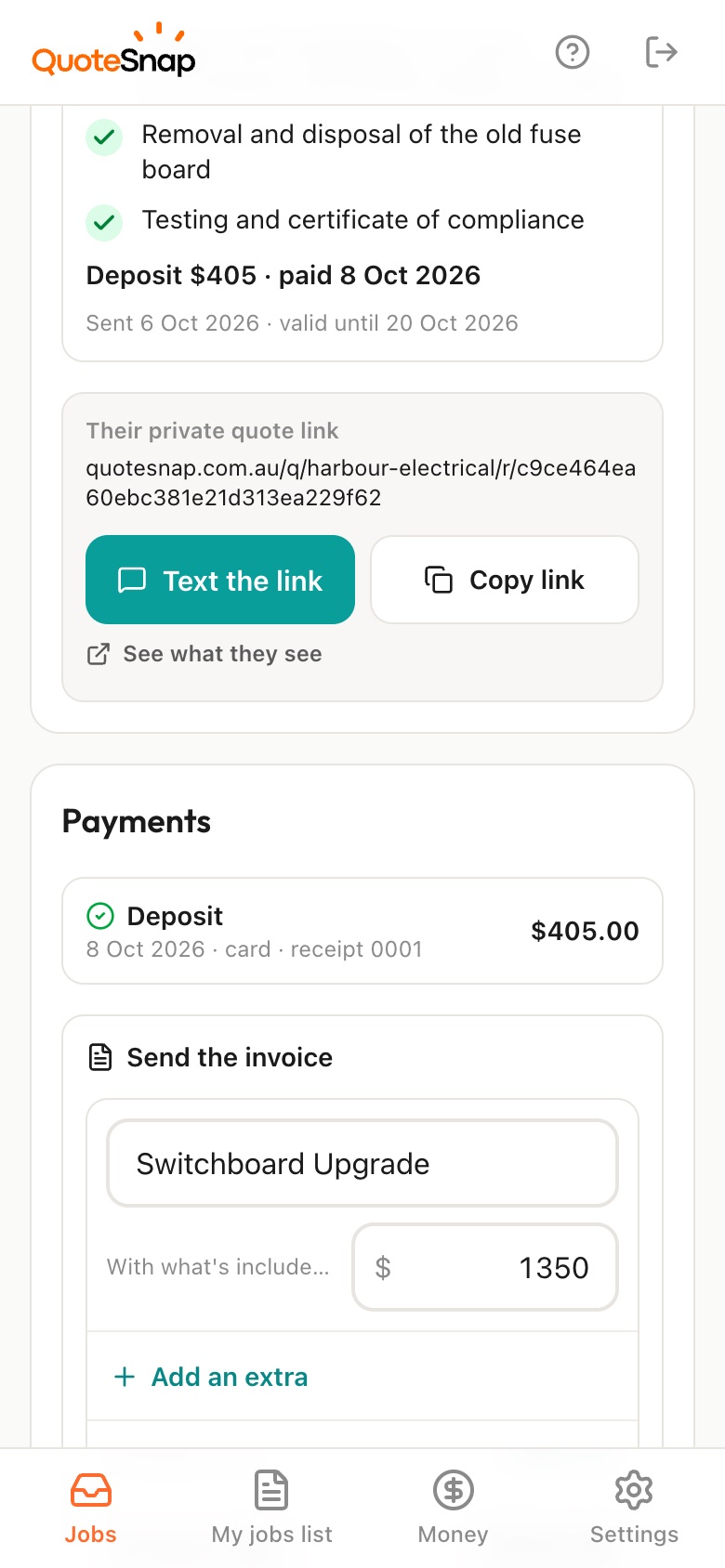
No. QuoteSnap covers the part before the job: the questions, the photos, the quote and the signature. Once your customer accepts, keep running the job in whatever you already use. You can send an invoice from the job in QuoteSnap if that suits, and mark cash or transfer payments as paid.
No. Your link opens in any phone browser. They tap through the questions, take the photos and send it.
Every plan starts with 7 days free. After that it's $4.99 a month for Basic or $8.99 a month for Premium, including GST. Cancel any time from your settings.
Pick a form, copy your link, and send it to your next enquiry. Cancel before day 7 and you won't be charged.