For cabinet makers
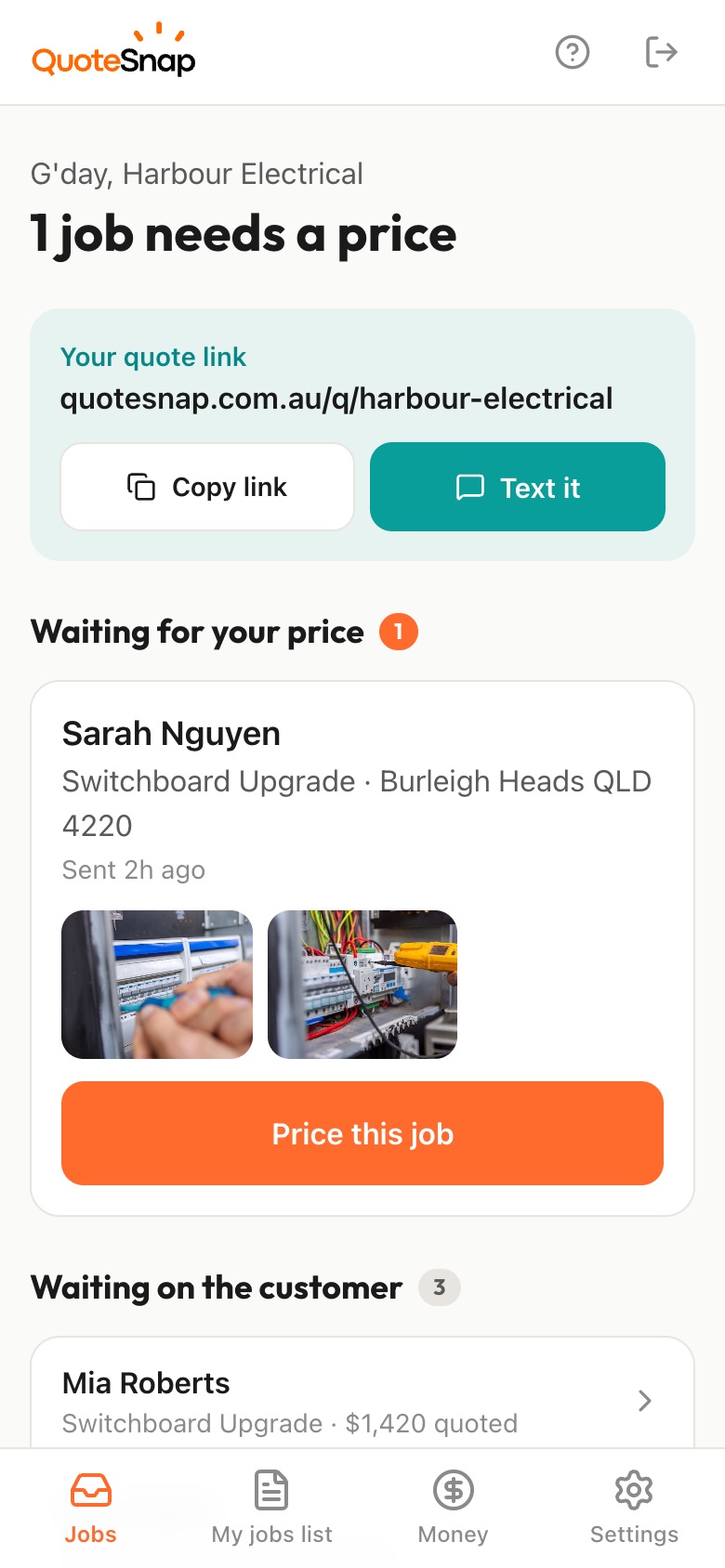
Text your customer a link. They answer questions about style and finish and photograph the space, the old cabinets and where the appliances go. You work up the price on your phone and they sign to accept it.
7 days free. Cancel any time.
Custom cabinetry is hard to talk through on the phone. The customer wants "something modern" in a kitchen you have never seen, with a fridge space that may or may not suit, and finish choices they have not made yet. Their measurements might be close or might be well out. So you either visit to find out, or quote wide and hope.
QuoteSnap gives you the room before you commit to a visit. Type the job, like "kitchen" or "built-in wardrobe", and artificial intelligence (AI) writes the questions and photo requests, which you check and edit. Your customer photographs the existing layout, the wall the new cabinetry goes on, and the appliances. You still measure before you make anything, but you go out knowing whether the job suits you.
Add any of these to your form, change anything you like, and your link is ready to send.
No. Type what you build, like "kitchen", "vanity" or "built-in wardrobe", and AI writes a set of questions and photo requests. You check every one, edit the wording, add your own about finishes or hardware, and set the order before the link goes out.
Treat them as a guide. QuoteSnap does not measure from photos, so ask the customer to type in rough wall lengths and ceiling height if you want them. Together with photos of the space, that can be enough for a first price, or to decide the job is worth a site measure before you make anything.
Ask with tap-to-answer options: painted, laminate, timber look, or not sure yet. Add a question about handles and a photo of any hardware they want to match. If they have not decided, you know to talk it through before you quote rather than after.
Ask for a photo of each: the fridge space, the oven, the dishwasher, the rangehood. The summary on your phone describes what is in the photos and flags missing information. It will not give you brands or model numbers, so ask the customer to type those in if they matter to the fit.
You can get started. The photos and answers tell you the layout, what is coming out, the finish and where the appliances sit. Most full kitchens still need a proper measure before you cut anything, and that call is yours. The link means you turn up already knowing the job.
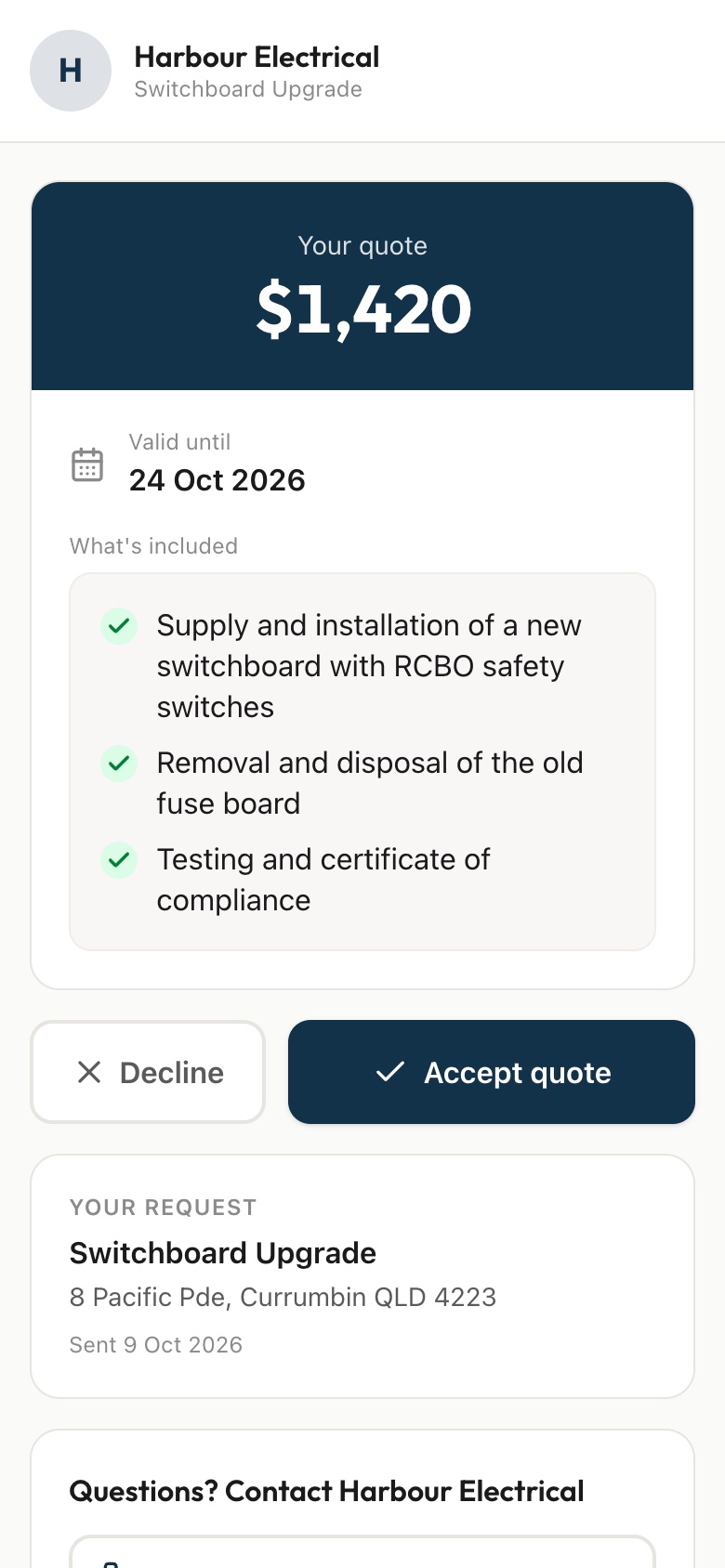
Your quote lists what is included, so the cabinetry, benchtops and installation can each be clear. On Premium you can also include add-ons, such as a pantry pull out or extra shelving, next to the main price.
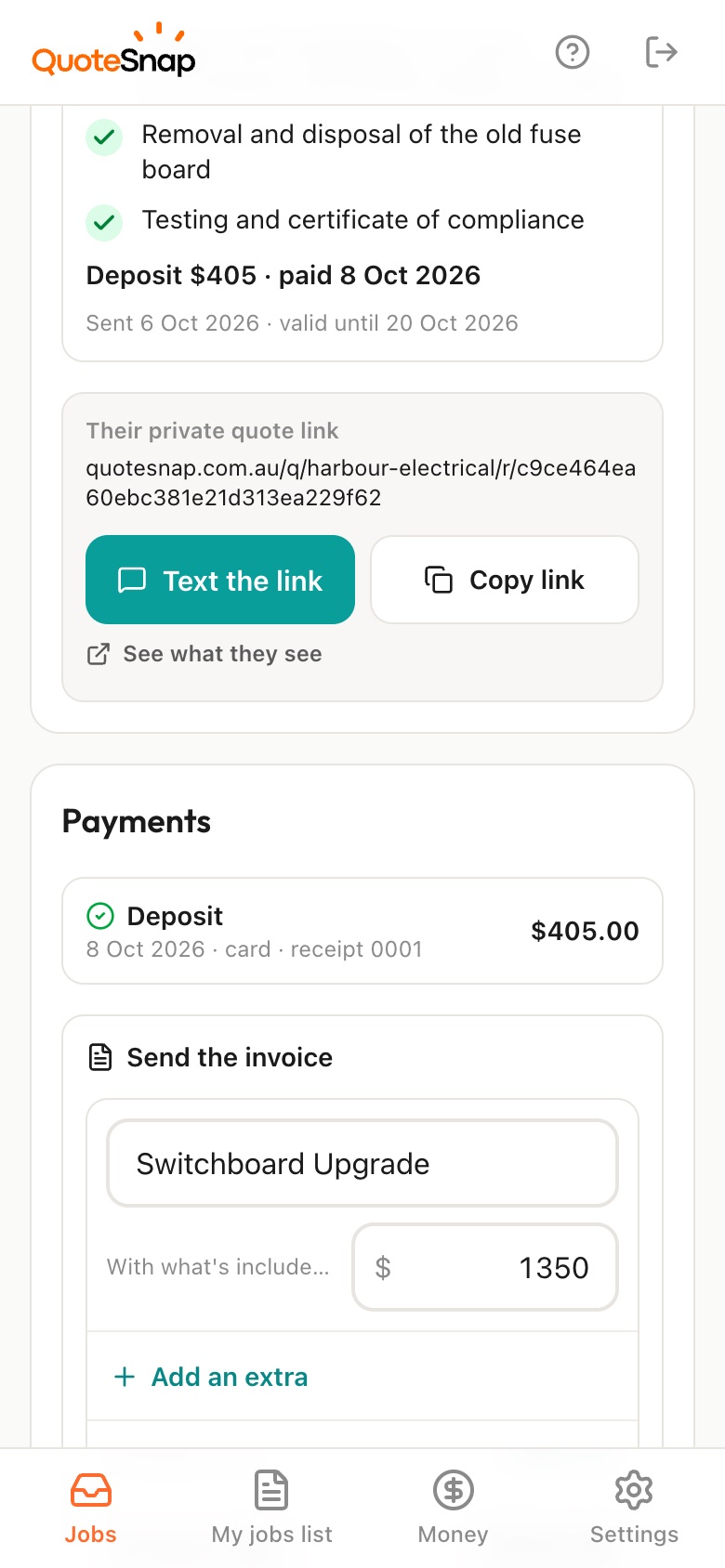
They open the quote on the same link and sign. On Premium they can pay a deposit by card, Apple Pay or Google Pay through Stripe, straight into your own Stripe account, which is useful when you are ordering board and hardware. Then run the job in whatever you already use.
No. Your link opens in any phone browser. They tap through the questions, take the photos and send it.
Every plan starts with 7 days free. After that it's $4.99 a month for Basic or $8.99 a month for Premium, including GST. Cancel any time from your settings.
Pick a form, copy your link, and send it to your next enquiry. Cancel before day 7 and you won't be charged.