For cleaners
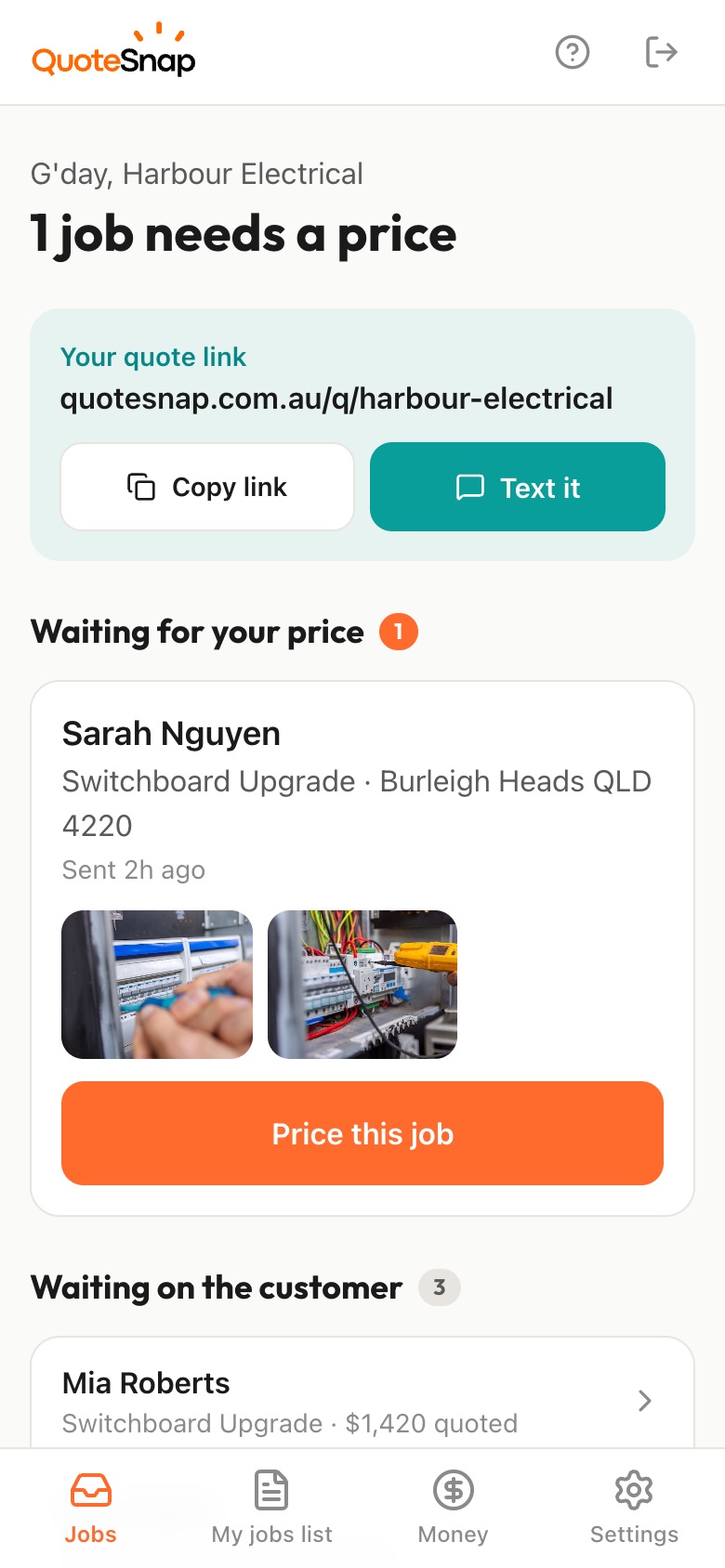
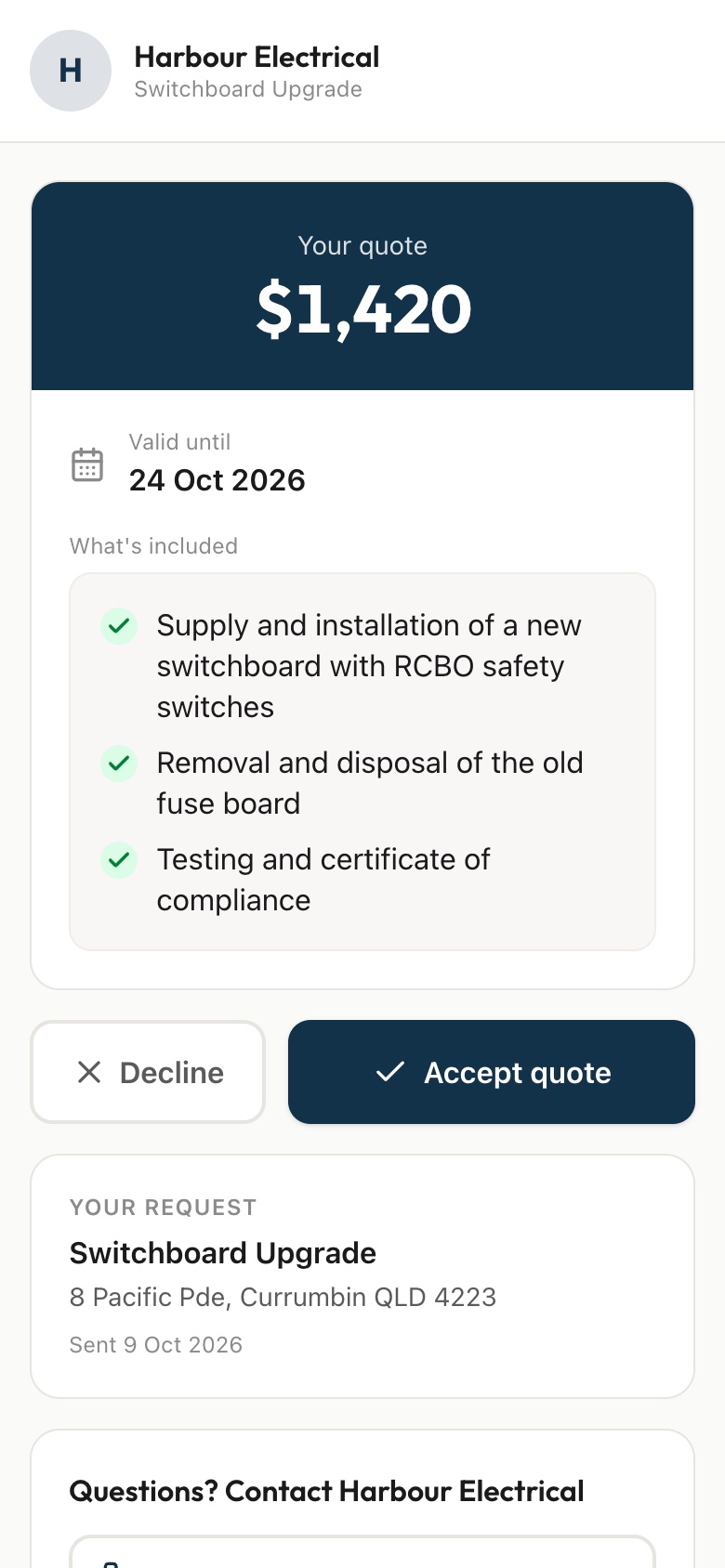
Send your customer a link. They answer a few questions and photograph each room, the kitchen, the bathrooms and any heavy stains, then you price it from your phone and they sign to accept.
7 days free. Cancel any time.
Two homes with the same bedroom count can be completely different cleans. One is a tidy unit, the other has a greasy oven, mould in the shower grout and a carpet that hasn't been vacuumed in months. Bond cleans add the property manager's checklist on top, and you find out about the walls, blinds or garage when you're already there. Pricing by the number of rooms alone leaves you exposed.
A QuoteSnap link lets you see the condition first. Type 'end of lease clean' or 'weekly home clean' and artificial intelligence (AI) writes the questions and photo requests. You check and edit them. Your customer photographs each room, the oven, the bathrooms and any stains. You see the level of mess before you commit to a price, then quote a fixed job or come and look.
Add any of these to your form, change anything you like, and your link is ready to send.
Not yet. Type the job, such as 'end of lease clean', 'office clean' or 'carpet steam clean', and the AI writes the questions and photo requests. Edit the wording, add your own extras and move steps around. Save each one and you'll have a form for every type of clean you do.
Ask for each room, the oven, the bathrooms and any stains, plus whether the property is empty. Ask if the customer has an exit checklist from their property manager and what's on it. If the photos leave you unsure about the condition, you can still go and look first.
The AI checks each photo as it comes in. If it's blurry, too dark, not of the job or looks like a stock image, your customer is asked to retake it. The photos you get are their rooms as they are now, which is the whole point.
Yes. Ask how often they'd like you, how many rooms, and whether they have pets. Photos of the main living areas, kitchen and bathrooms show you the usual level of mess. You price the first clean and the regular rate, and list both in what's included on the quote.
Yes. Type 'office clean' and edit what the AI writes: ask about the number of desks, kitchens and bathrooms, the floor types and when you can get in. Request photos of the main work area, the kitchenette and the bathrooms. Larger sites may still need a walk-through, and you decide that.
You can ask about them as tap-to-answer questions so they're in the request from the start. Then list each extra on its own line in the quote, so your customer can see exactly what's covered. On Premium you can also offer add-ons.
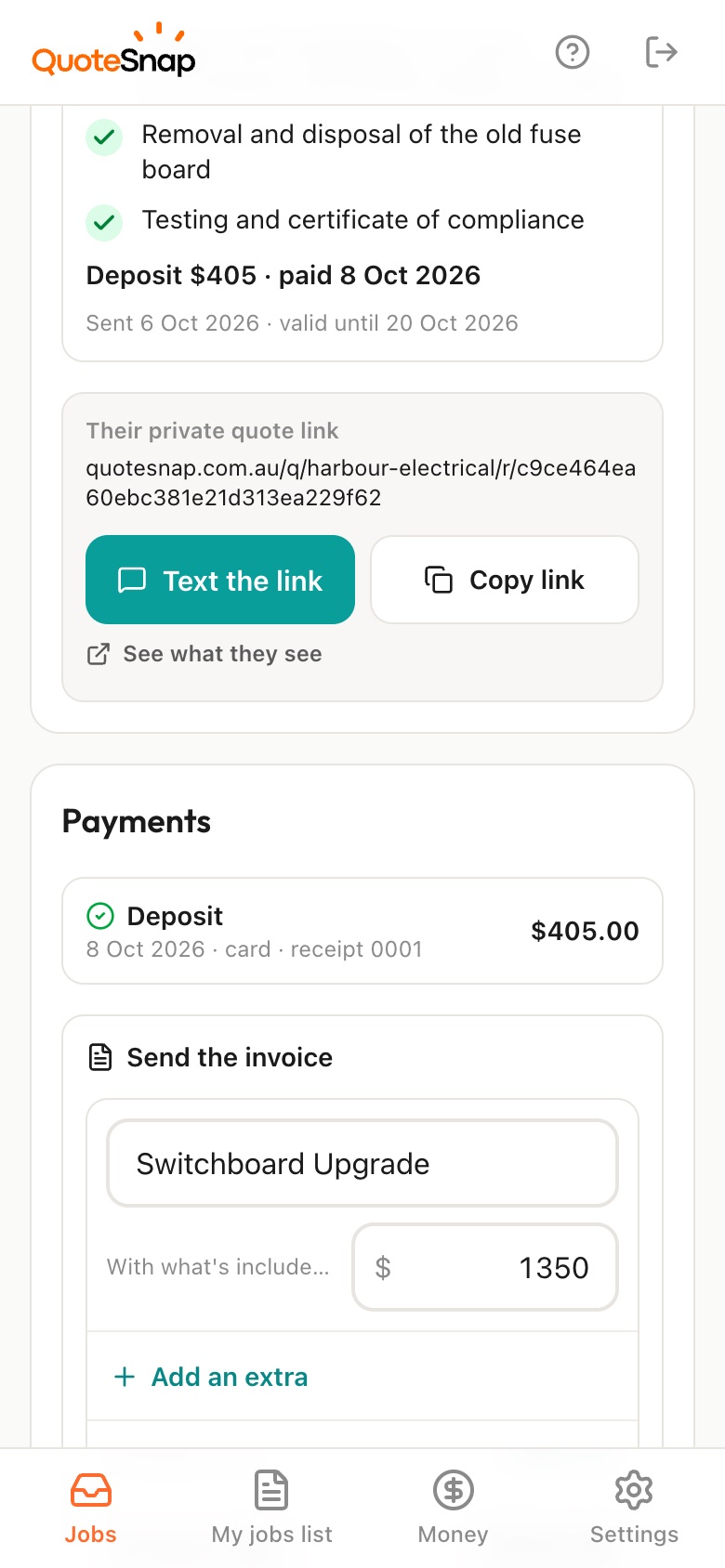
Yes. Send an invoice from the job once the clean is done. Premium lets the customer pay it by card or bank, and the invoice marks itself paid. Any plan lets you record a cash or transfer payment by hand. Keep using whatever you already run your bookings in.
No. Your link opens in any phone browser. They tap through the questions, take the photos and send it.
Every plan starts with 7 days free. After that it's $4.99 a month for Basic or $8.99 a month for Premium, including GST. Cancel any time from your settings.
Pick a form, copy your link, and send it to your next enquiry. Cancel before day 7 and you won't be charged.