For demolition contractors
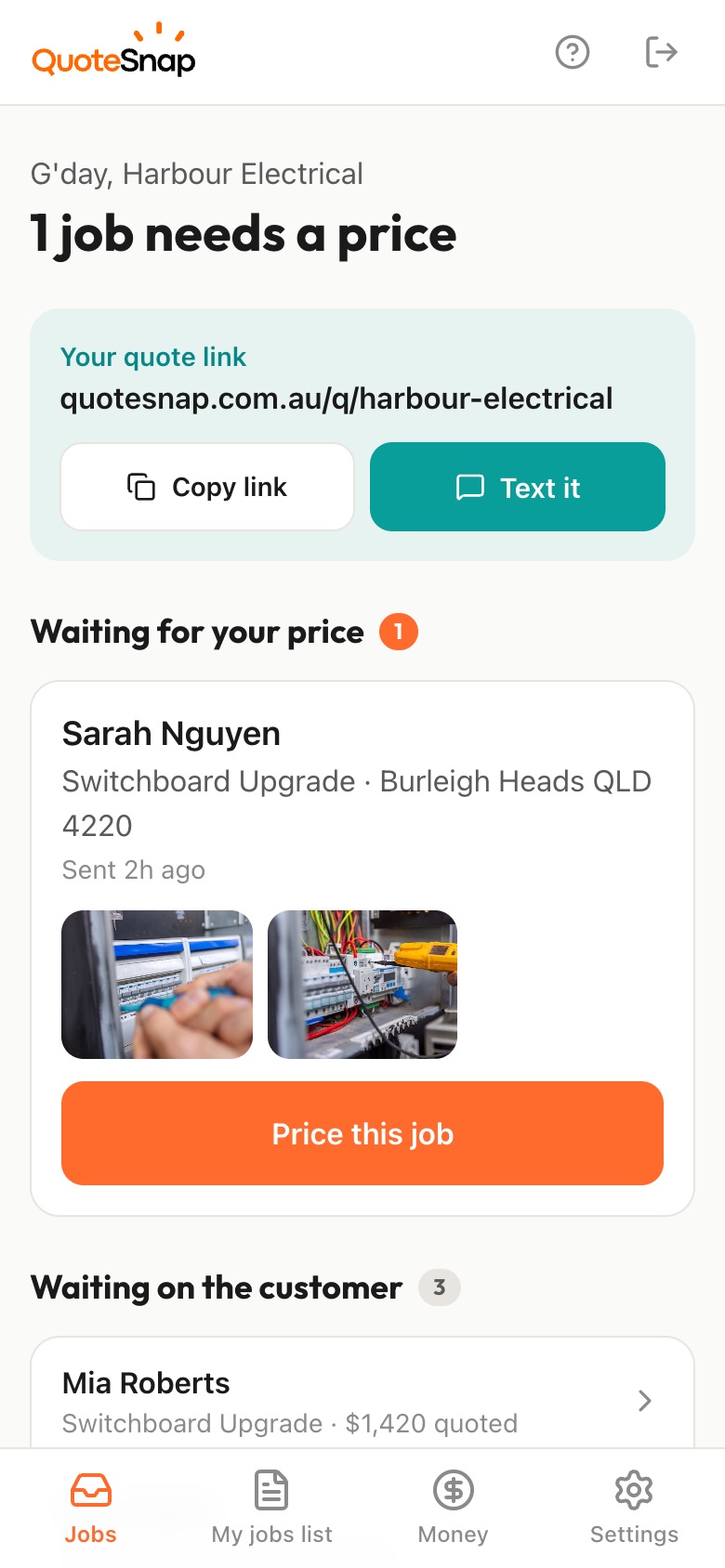
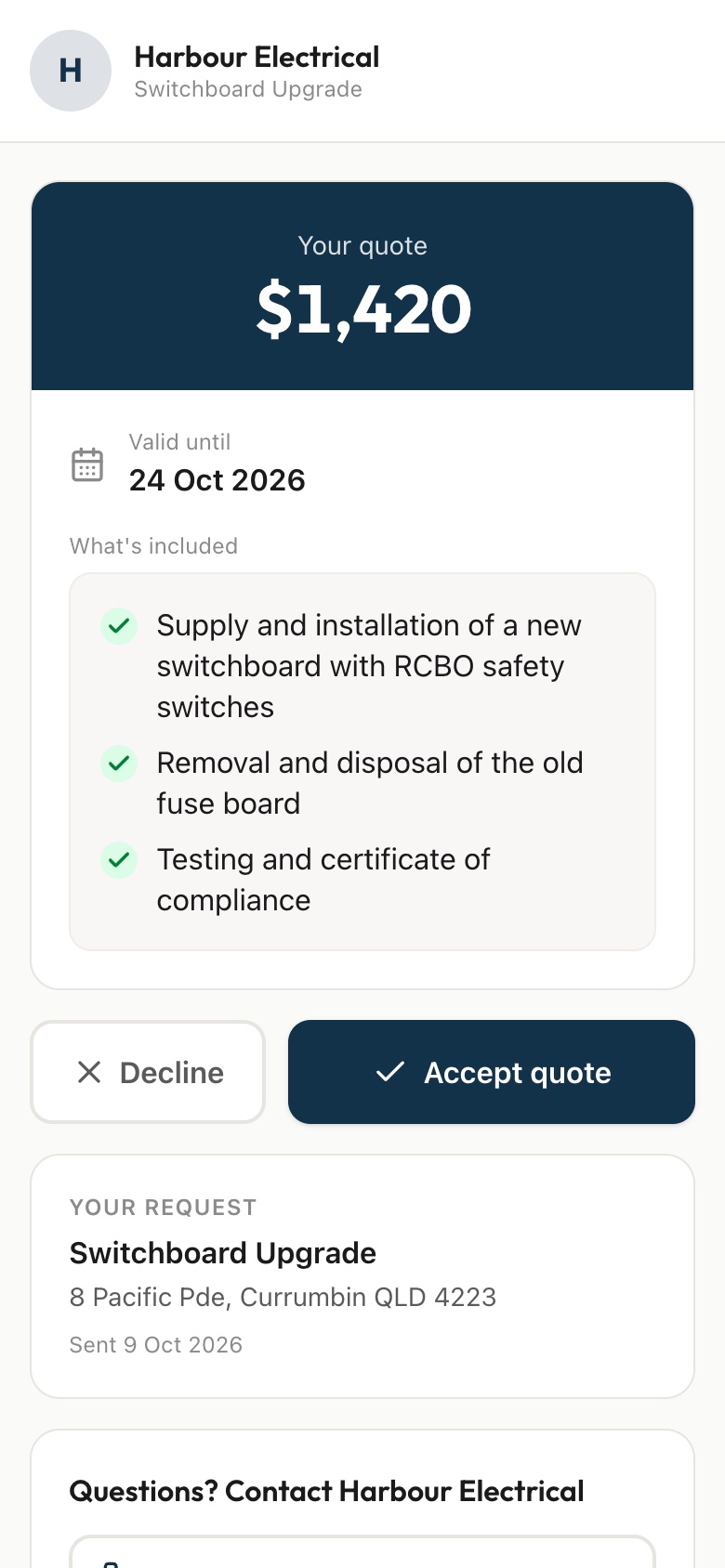
Send your customer a link. They answer a few questions and photograph the structure, the access for machines and trucks and what's next door, then you price it from your phone and they sign to accept.
7 days free. Cancel any time.
Demolition prices turn on what's around the job as much as the job itself. Can an excavator get down the side, or is it a hand strip-out through the front door? What stays and what goes: the slab, the trees, the old shed? How close are the neighbours? And on older buildings there's the question nobody can answer over the phone: what's in the walls, eaves and floor coverings, and what has to be checked before anyone starts.
A QuoteSnap link gets you the site before you visit. Type 'shed removal', 'internal strip-out' or 'pool removal' and artificial intelligence (AI) writes the questions and photo requests. You check and edit them. Your customer photographs the structure, the driveway and side access, the boundaries and anything they suspect is old sheeting. You size it up from your phone, then price it or book an inspection.
Add any of these to your form, change anything you like, and your link is ready to send.
Not yet. Type the job, such as 'house demolition', 'bathroom strip-out' or 'concrete driveway removal', and the AI writes the questions and photo requests. You check and edit them, add your own and reorder the steps. Save the form and send it again for the next job of that kind.
Photos help you decide if the job is worth pursuing and roughly what it involves. A full house knockdown usually still needs you on site. You decide whether the photos are enough to price it, or whether they're the first look before an inspection. Either way you arrive already knowing the access.
It doesn't assess it. You can ask roughly when the building was built, whether it's been checked, and for photos of eaves, wall sheeting or floor coverings the customer is unsure about. The AI summary may flag those photos as something to check. What's actually there is something you confirm on site.
Ask how wide the access is and for photos of the driveway, gates and side passages. The AI summary flags things to check, such as tight access, overhead wires or nearby structures. It doesn't measure widths, so ask for a rough measurement and confirm it yourself when needed.
Ask a question about what's staying and request a photo of anything that must not be touched. Then list exactly what's being removed in the list of what's included on the quote. Your customer signs against that list, so you both agree on the scope before the machine arrives.
Yes, and they're often the jobs where photos are enough. Ask for the shed or slab from a few angles, the access path and what's underneath or nearby. You'll get a sense of size and access without driving out, then price it from your phone and send it.
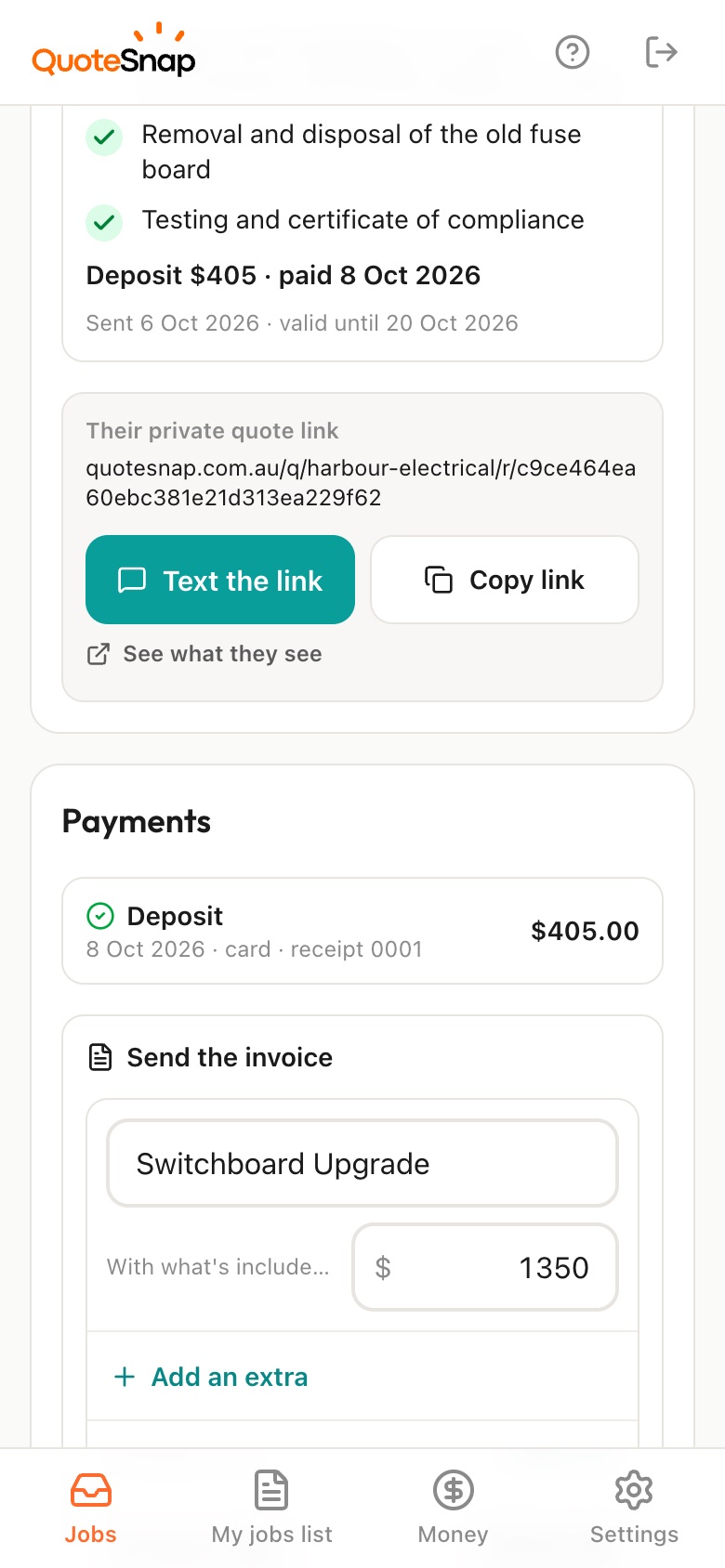
On Premium, yes. Ask for a deposit when your customer signs. They pay by card, Apple Pay or Google Pay through Stripe, straight into your own Stripe account. On any plan, the customer still signs to accept, so you've got the agreed scope in writing before you book anything.
No. Your link opens in any phone browser. They tap through the questions, take the photos and send it.
Every plan starts with 7 days free. After that it's $4.99 a month for Basic or $8.99 a month for Premium, including GST. Cancel any time from your settings.
Pick a form, copy your link, and send it to your next enquiry. Cancel before day 7 and you won't be charged.