For fencing contractors
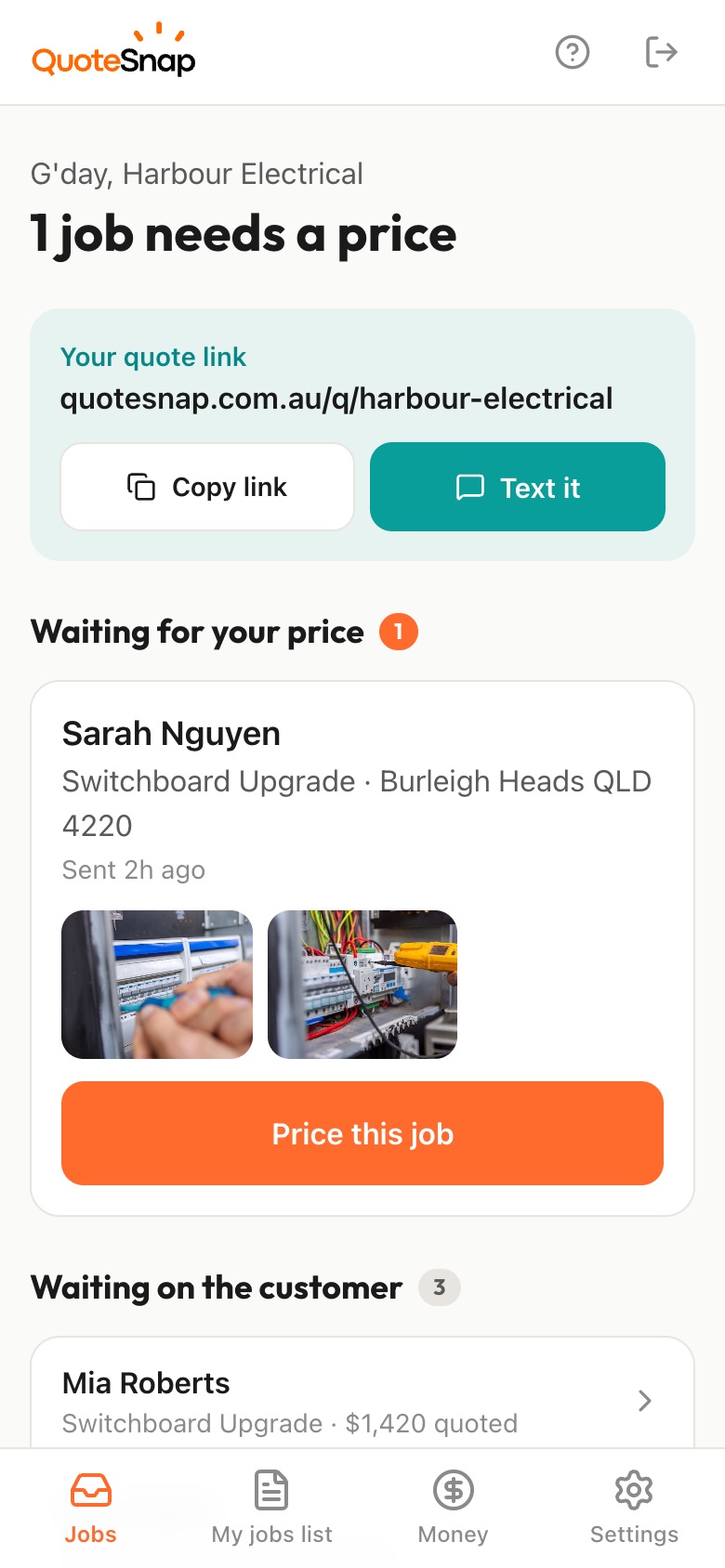
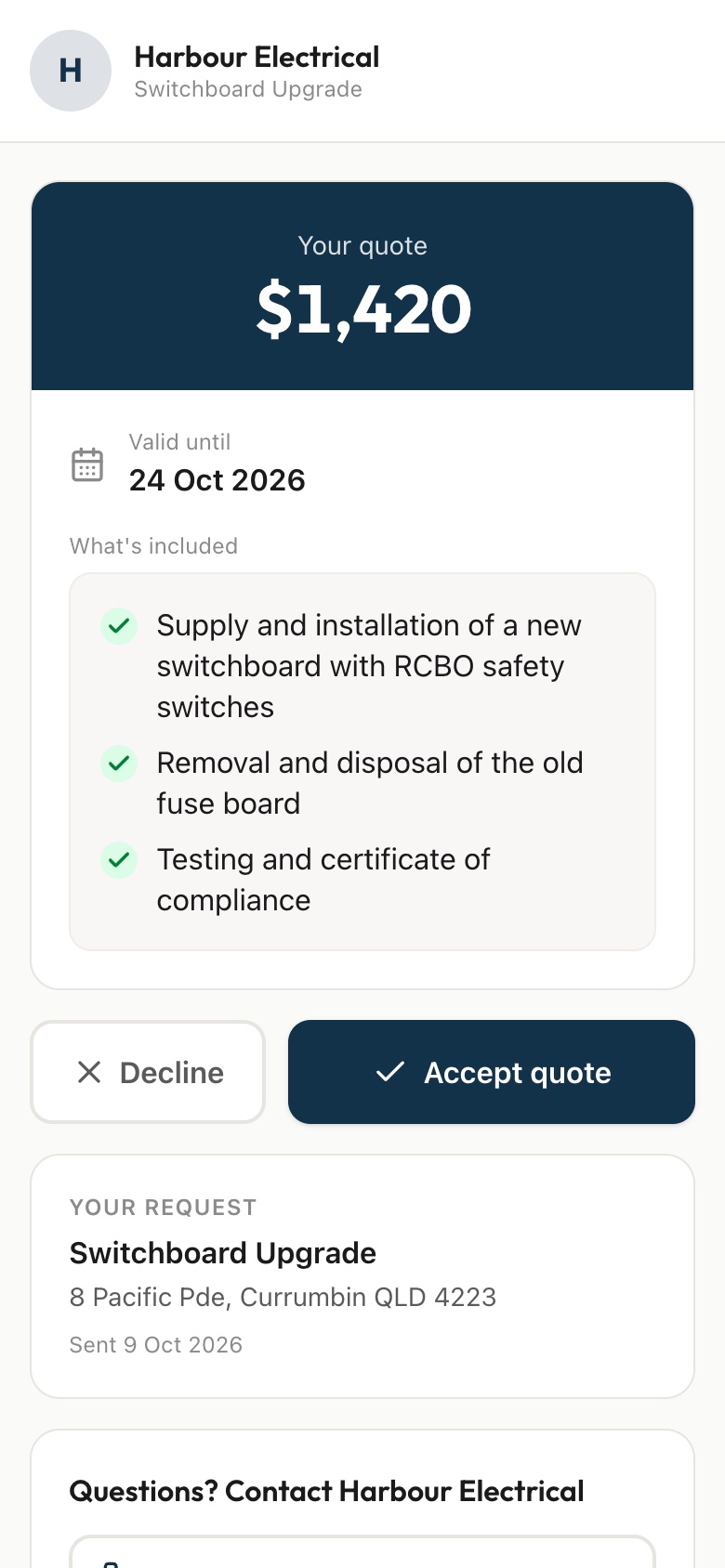
Text your customer a link. They answer a few questions and photograph the full fence line, the old fence and the ground along the boundary, then you price it from your phone and they sign to accept.
7 days free. Cancel any time.
Fencing quotes go wrong on the ground, not the panels. A customer says the run is 'about the length of the yard' and it's longer. The block that sounded flat falls away at the back and needs stepping or a plinth. There's an old timber fence to pull out with posts set in concrete, a tree on the line, or no way to get the materials down the side of the house.
With QuoteSnap you send a link first. Type 'steel fence replacement' or 'new timber paling fence' and artificial intelligence (AI) writes the questions and photo requests. You check and edit them. Your customer photographs the whole fence line, the old fence, the ground along the boundary and where the gate goes. You see the slope and the removal work before you quote, then price it or walk the line yourself.
Add any of these to your form, change anything you like, and your link is ready to send.
Not yet. Type the job, such as 'replace boundary fence', 'new pool fence' or 'double driveway gate', and the AI writes the questions and photo requests. You check and edit them, reorder the steps and save the form to reuse. Every form stays editable, so you can add your own fence types and heights.
Ask your customer for a rough length and a photo from one end of the line. Treat their number as a starting point. The AI checks the photos are clear and of the job, but it doesn't measure distances. Many fencers price from a quick measure on site, and you decide when that's needed.
Ask a tap-to-answer question about the ground, and request photos taken along the line, not just of it. A shot standing at the low end looking up shows a fall that a front-on photo hides. The AI summary also flags things worth checking, such as uneven ground, trees or retaining walls.
Yes. Ask if there's an old fence coming out and for a close-up of a post at ground level, so you can see if it's set in concrete. Then add removal and disposal as their own line in the list of what's included, so your customer can see that part of the price clearly.
Add a question asking whether the fence is shared and whether the neighbour knows about the job. That tells you early if there's a second person to deal with. Where the boundary sits and who pays what is between the neighbours. QuoteSnap just gets the conversation started before you turn up.
Yes, for getting the scope. Ask for photos of the whole pool area, the gate location and anything near the fence line, such as furniture, garden beds or plants. Whether the finished fence meets what's required is something you check on site, the same as now. QuoteSnap gathers the details first.
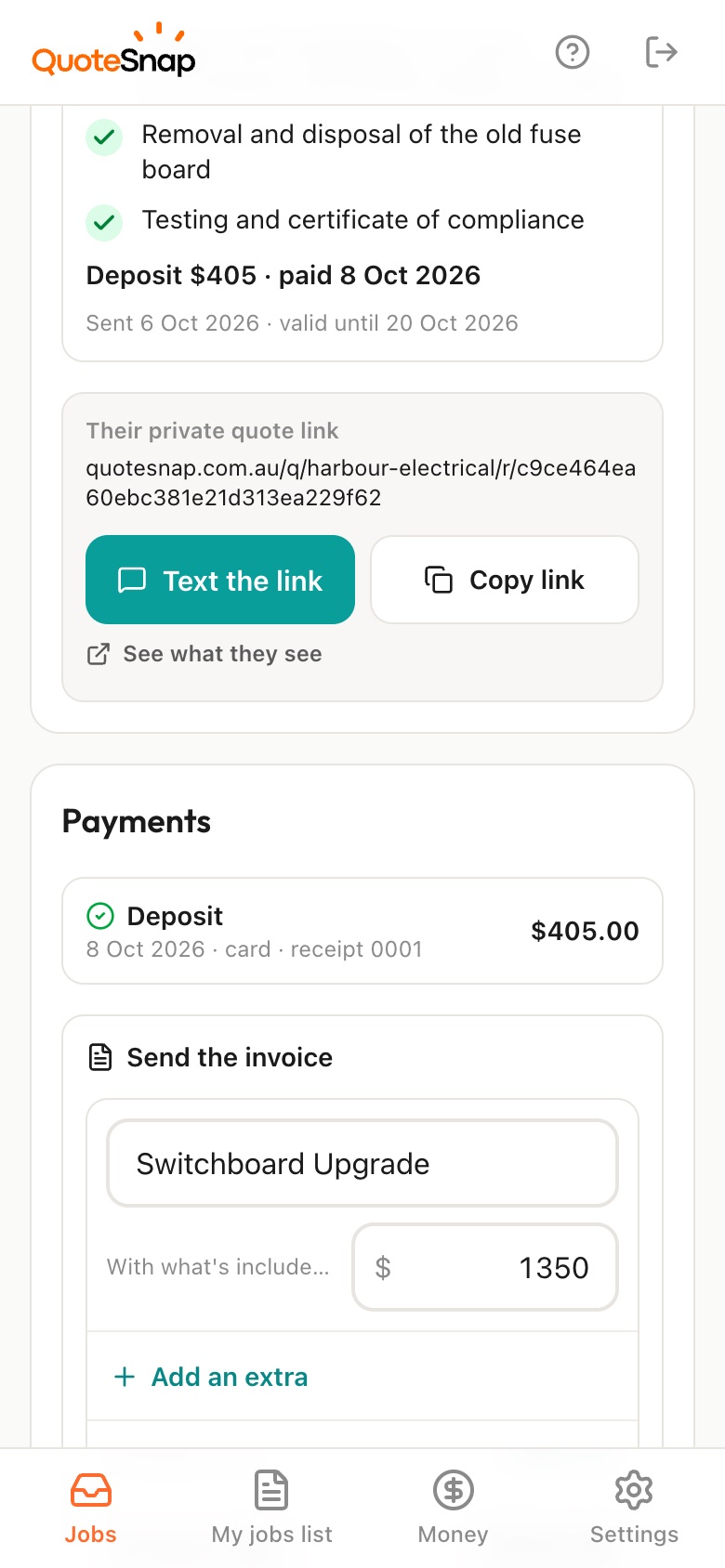
On Premium, yes. You can ask for a deposit when your customer signs to accept. They pay by card, Apple Pay or Google Pay through Stripe, and the money goes into your own Stripe account. On any plan, you can still send the quote and get it signed.
No. Your link opens in any phone browser. They tap through the questions, take the photos and send it.
Every plan starts with 7 days free. After that it's $4.99 a month for Basic or $8.99 a month for Premium, including GST. Cancel any time from your settings.
Pick a form, copy your link, and send it to your next enquiry. Cancel before day 7 and you won't be charged.