For handymen
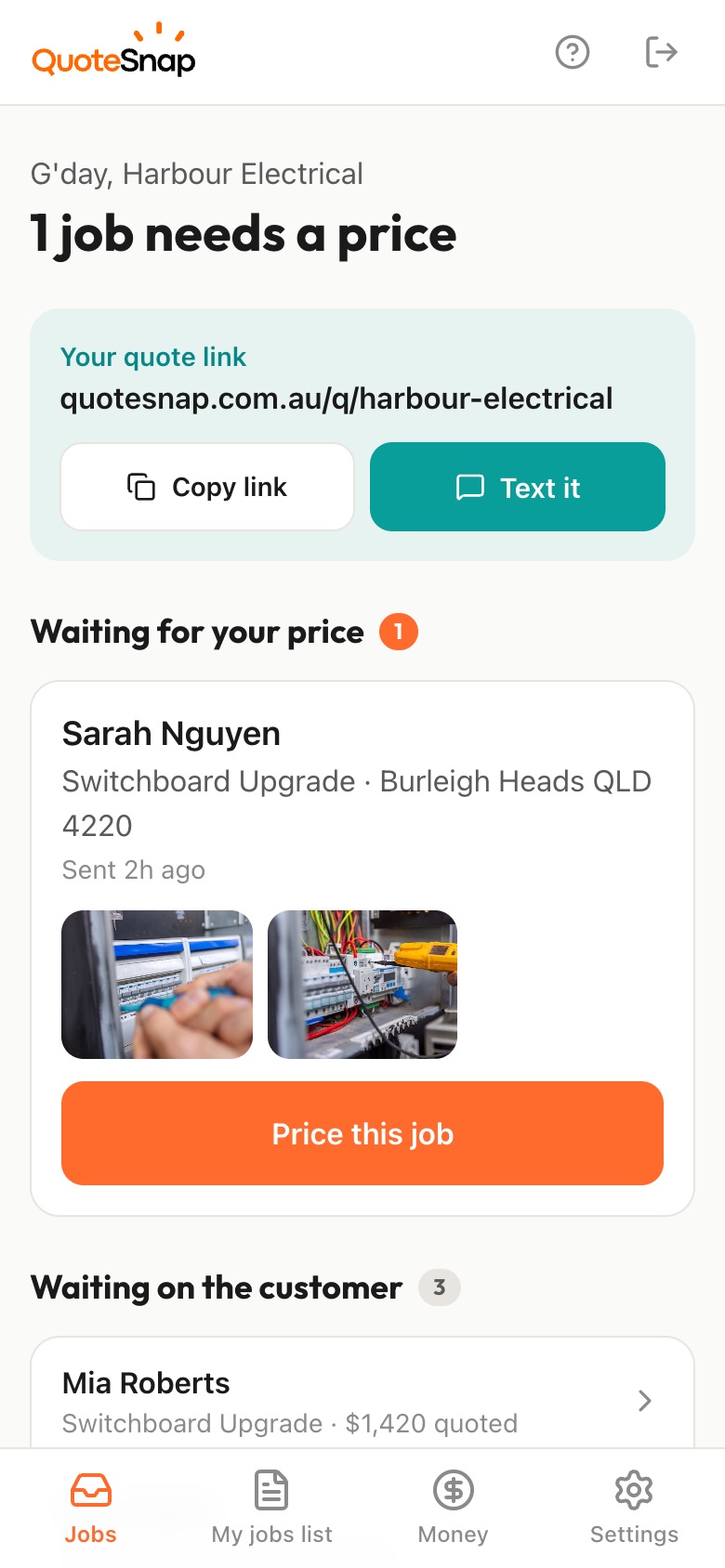
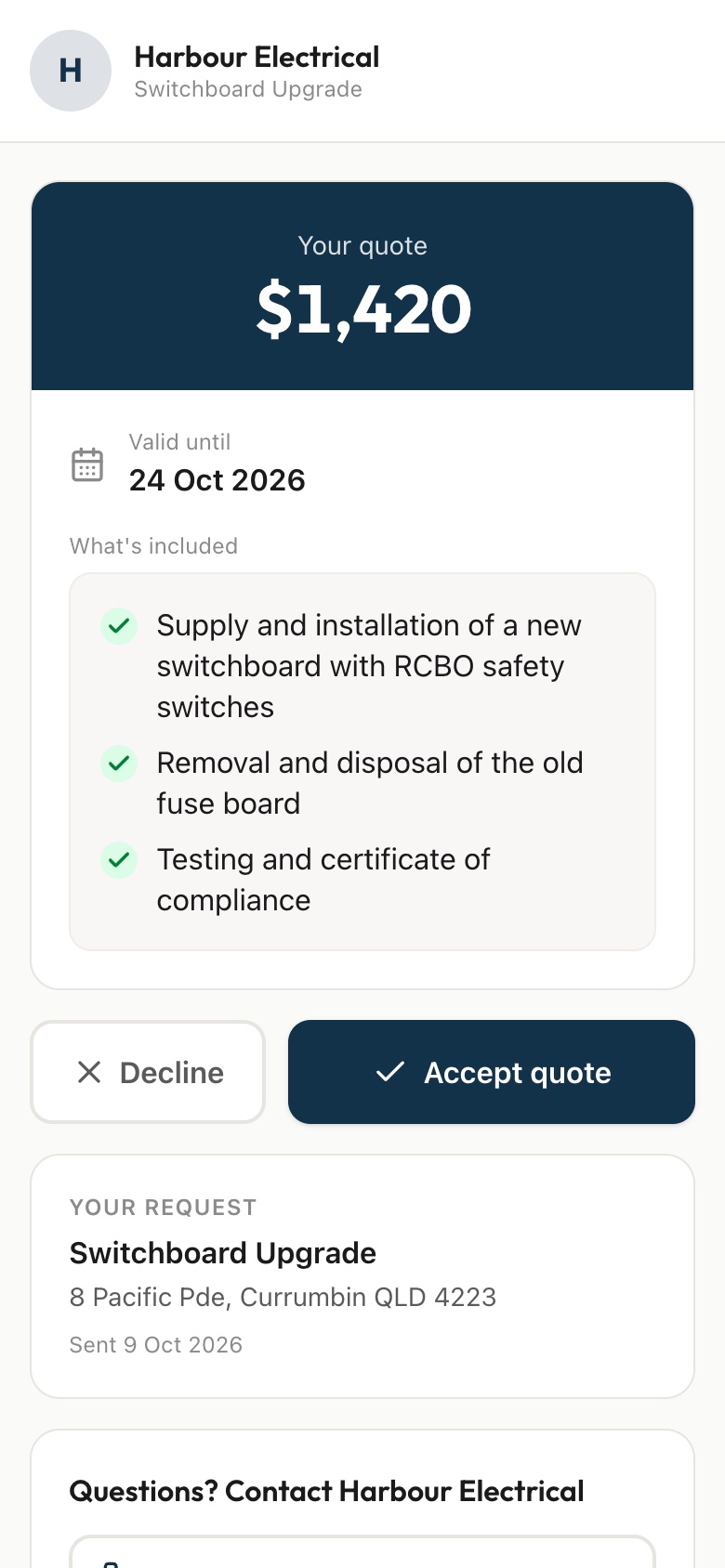
Send your customer a link. They list each job, photograph every repair close up and show you what materials they already have, then you price it from your phone and they sign to accept.
7 days free. Cancel any time.
Can you come and fix a few things? usually means a sticking door, a dripping tap, two pictures to hang, a flat pack wardrobe and the gutters. You don't know what the wall is made of, whether the door needs a new hinge or a plane, or if the gutters are on a second storey. Without that, guessing how long it takes and what to bring is mostly luck.
QuoteSnap doesn't have a ready-made handyman form yet. Type the job, like general repairs, and artificial intelligence (AI) writes the questions and photo requests. You tweak them to suit how you work. Your customer lists each job and takes a photo of every one, with close-ups of anything broken. You see the whole list before you go, and you can price it as one visit or ask about anything unclear.
Add any of these to your form, change anything you like, and your link is ready to send.
Not yet. Type the job name, such as general repairs or furniture assembly, and AI writes the questions and photo requests. Check them, add the questions you always end up asking, and send the link. The form stays saved and you can edit it whenever you like.
Ask your customer to list each job and photograph each one separately. Everything lands on your phone together, so you see the full list at once. You price it as one visit with a list of what is included, so there's no argument about which jobs were in the quote.
Ask for a photo of each box with its label showing and where it's going. You read the label yourself, since AI doesn't reliably identify brands or models. Add a question on whether anything needs fixing to the wall, and you know what to bring.
Ask whether the house is single or double storey and for a photo of the roofline from the ground. The AI summary flags height or access as something to check. You decide what equipment you'll need, or whether you want to see it first.
Ask what surface it is, such as a driveway, deck, path or walls, and for wide shots plus a close-up of the worst staining. Add a question on rough size. AI won't measure from photos, so the area comes from your customer's answer, checked against what you see.
Ask whether your customer already has the parts and request a photo of them. Add close-ups of each broken part so you can match it. You'll have a better idea of what to pick up on the way, rather than leaving halfway through a job for a second trip.
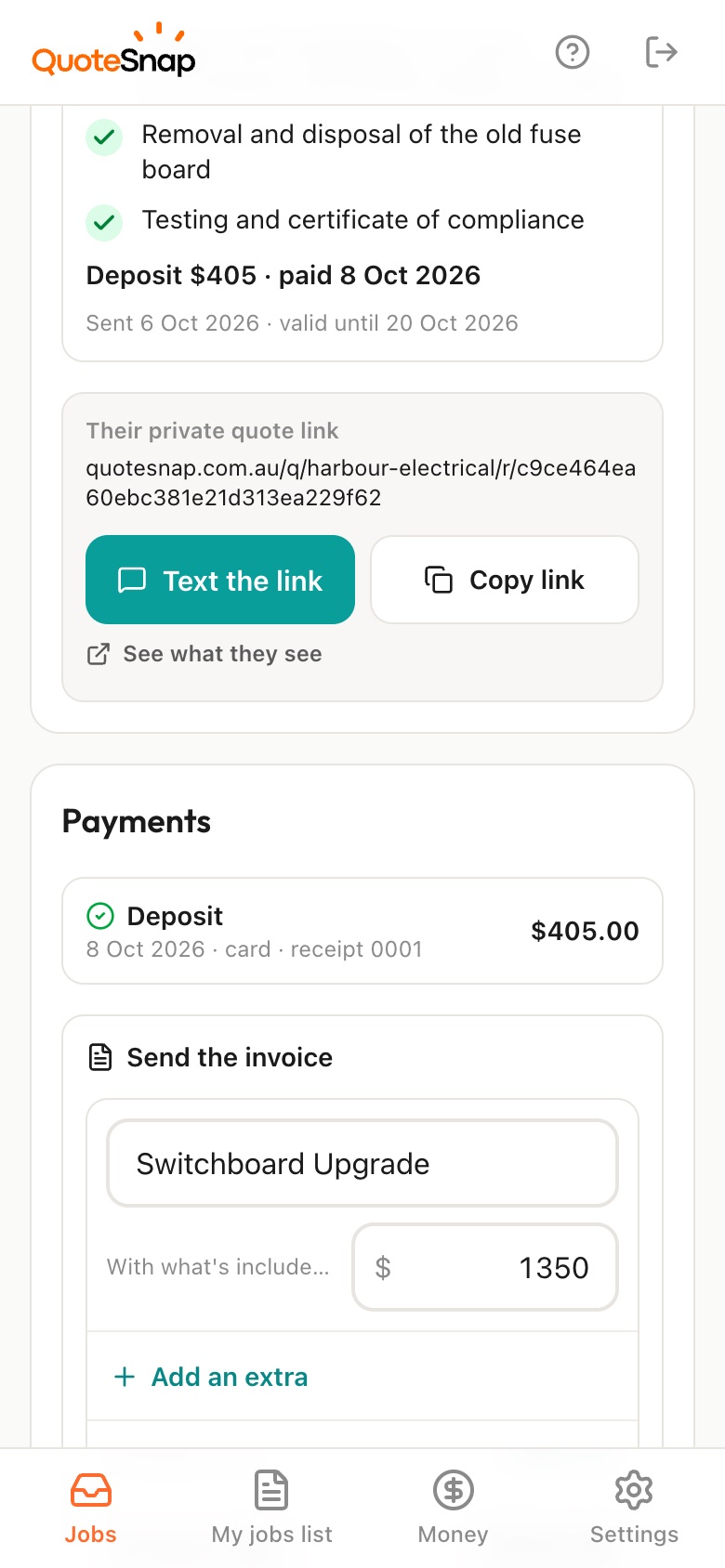
No. QuoteSnap covers the part before the job: the questions, the photos, the quote and the signature. Once it's accepted, keep running your days in whatever you use now. When the work is done, you can send an invoice from the job and mark cash or transfer as paid.
No. Your link opens in any phone browser. They tap through the questions, take the photos and send it.
Every plan starts with 7 days free. After that it's $4.99 a month for Basic or $8.99 a month for Premium, including GST. Cancel any time from your settings.
Pick a form, copy your link, and send it to your next enquiry. Cancel before day 7 and you won't be charged.