For insulation installers
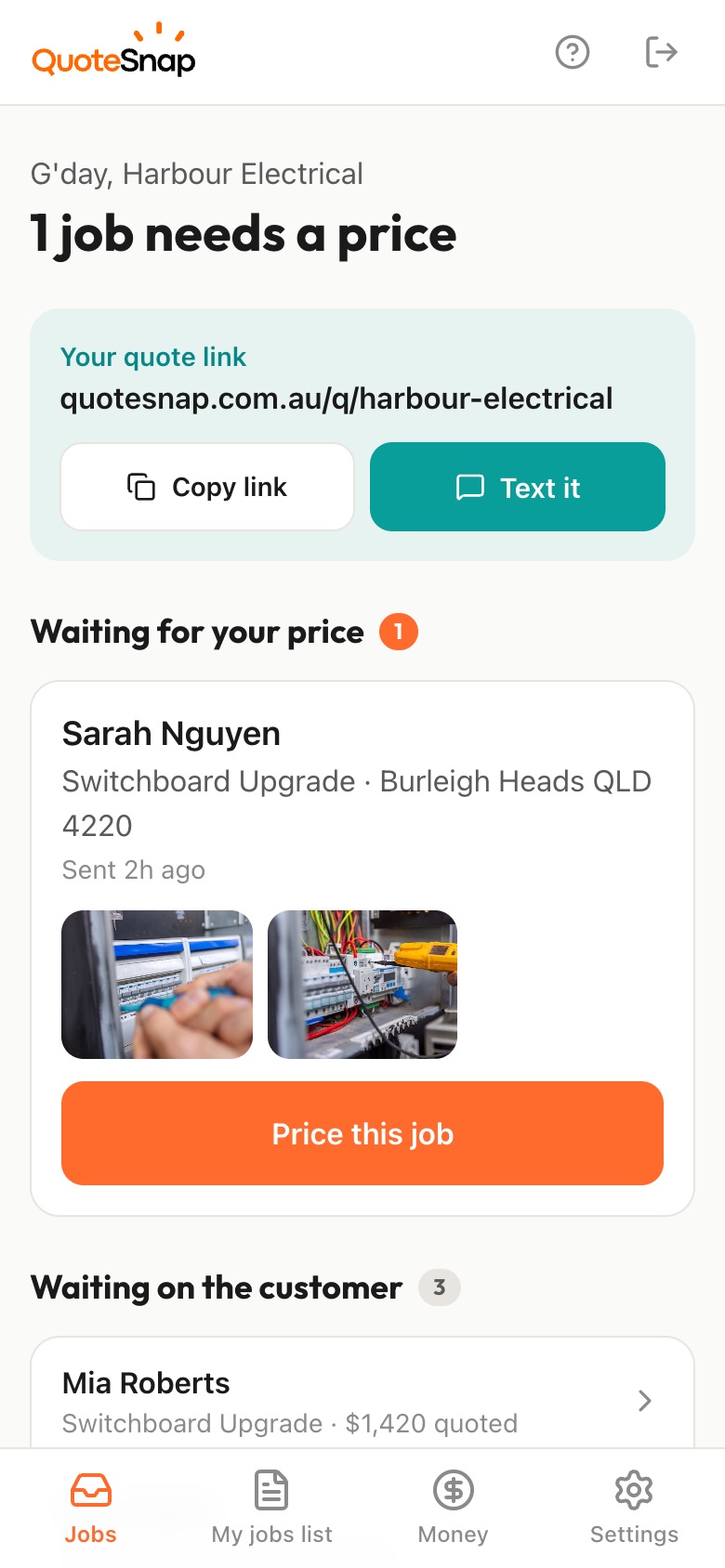
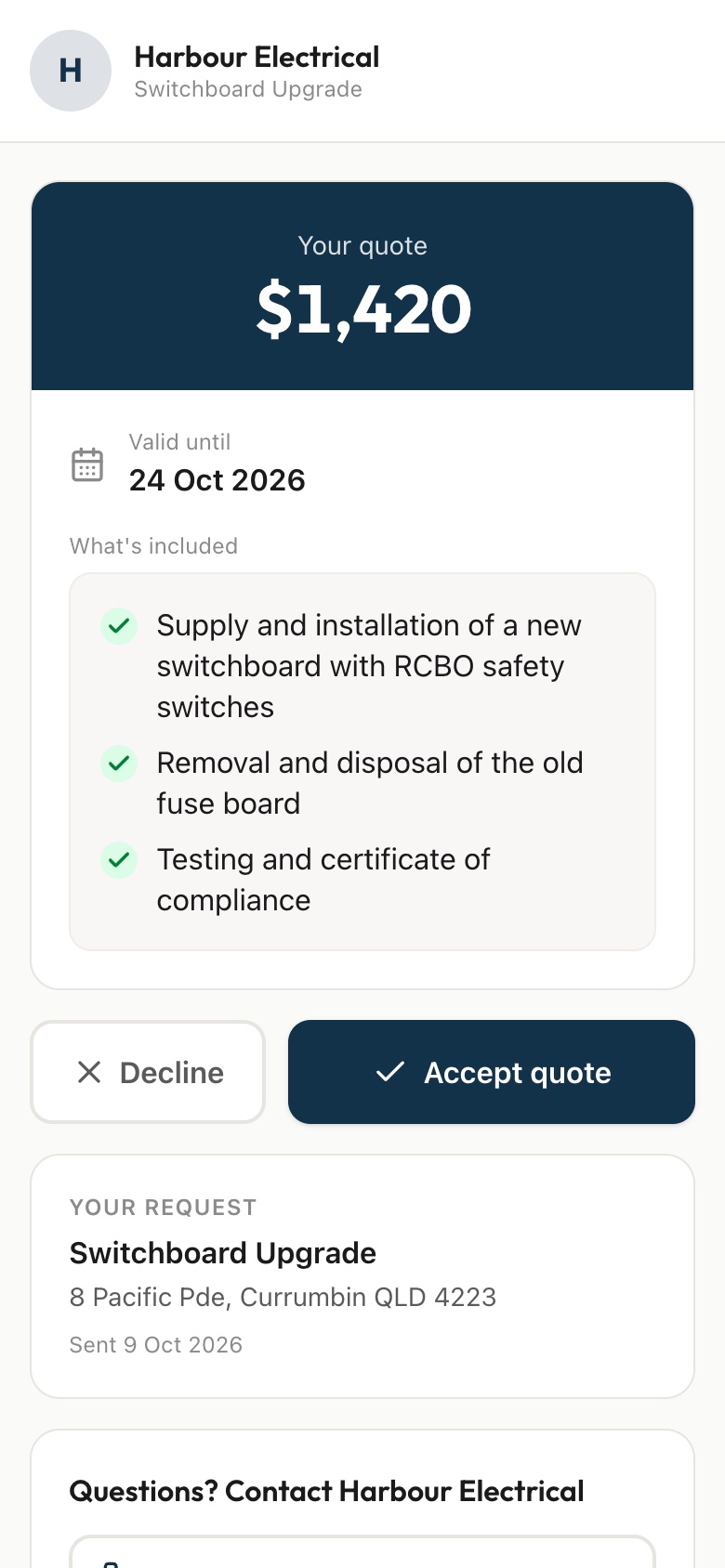
Text your customer a link. They answer a few questions about the house and photograph the ceiling hatch, the roof space and what is already up there. You quote it from your phone and they sign on the link to accept.
7 days free. Cancel any time.
Insulation quotes live or die on what is in the roof space. Is there a hatch, and can you get through it? Is there old insulation to top up or take out? How low is the pitch, and how many downlights are in the way? The customer usually has no idea, and plenty have never put their head up there.
QuoteSnap asks them to show you. Type the job, such as "ceiling insulation" or "insulation removal", and artificial intelligence (AI) writes the questions and photo requests; you check and edit them. Your customer photographs the hatch, a look into the roof space if they can get one, the outside of the house and any downlights. You decide whether that is enough to price.
Add any of these to your form, change anything you like, and your link is ready to send.
Sometimes. With the house size, storeys, roof type and a look through the hatch, you may have enough for a straightforward top up. Low pitches, tight access or anything unusual in the photos are good reasons to go up first. The photos help you decide which jobs those are.
They do not have to. Ask for a photo of the hatch from below and the outside of the house. If they can hold the phone up through the hatch for a shot, ask for that too, worded so they know it is only if they can. Every photo request is editable.
If the customer can get a photo into the roof space, yes. The summary on your phone describes what is in the photos and its condition, like old, flattened or patchy insulation. That tells you whether you are topping up or pulling it out before you price.
Ask for photos of the existing material and the age of the house. If something in the roof space looks like it needs a closer look, the summary flags it as something to check. What it is and how it is handled is for you to judge on site, not something to settle from a photo.
They can change how you lay out the job, so ask whether there are downlights and for a photo of a ceiling that has them. The app will not count them for you, so add a question asking roughly how many there are.
Yes. Type the job and AI writes questions to suit, like the type of floor, whether there is access under the house and how high the gap is, or whether the walls are open or lined. You check and edit them. Photos of the underfloor access are well worth asking for.
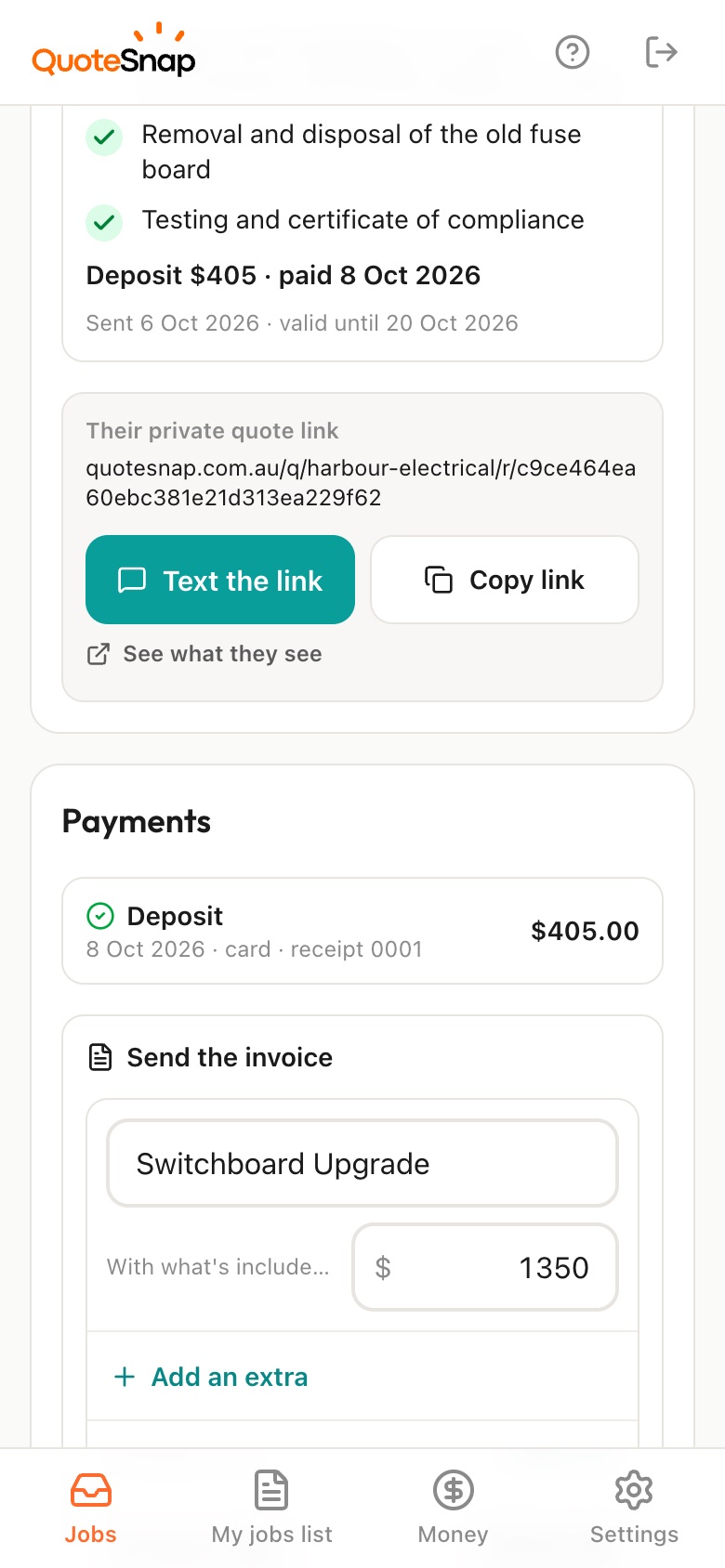
On Premium, ask for a deposit at acceptance. The customer pays by card, Apple Pay or Google Pay through Stripe, and the money goes to your own Stripe account. Without Premium, they still sign the quote on the same link, and you can invoice from the job when it is done.
No. Your link opens in any phone browser. They tap through the questions, take the photos and send it.
Every plan starts with 7 days free. After that it's $4.99 a month for Basic or $8.99 a month for Premium, including GST. Cancel any time from your settings.
Pick a form, copy your link, and send it to your next enquiry. Cancel before day 7 and you won't be charged.