For kitchen renovators
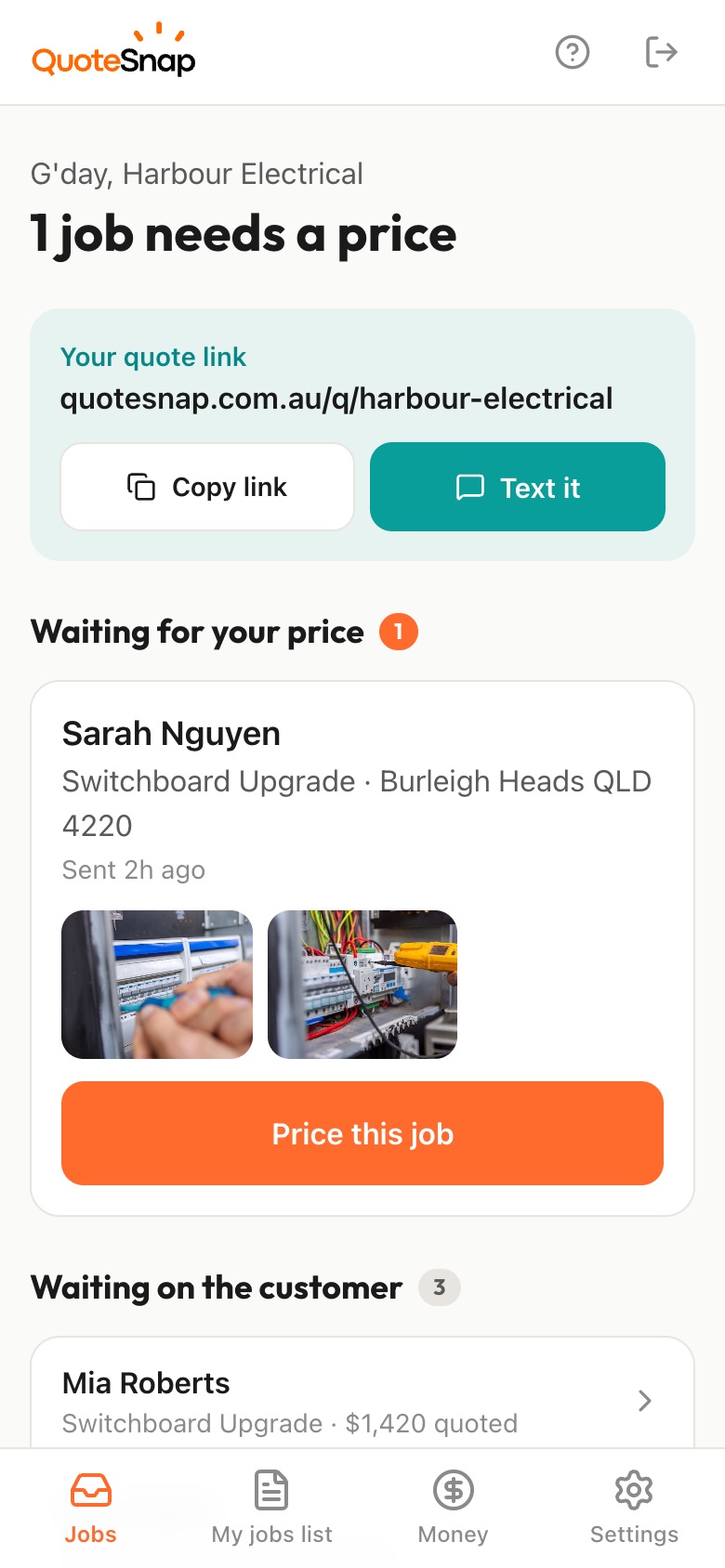
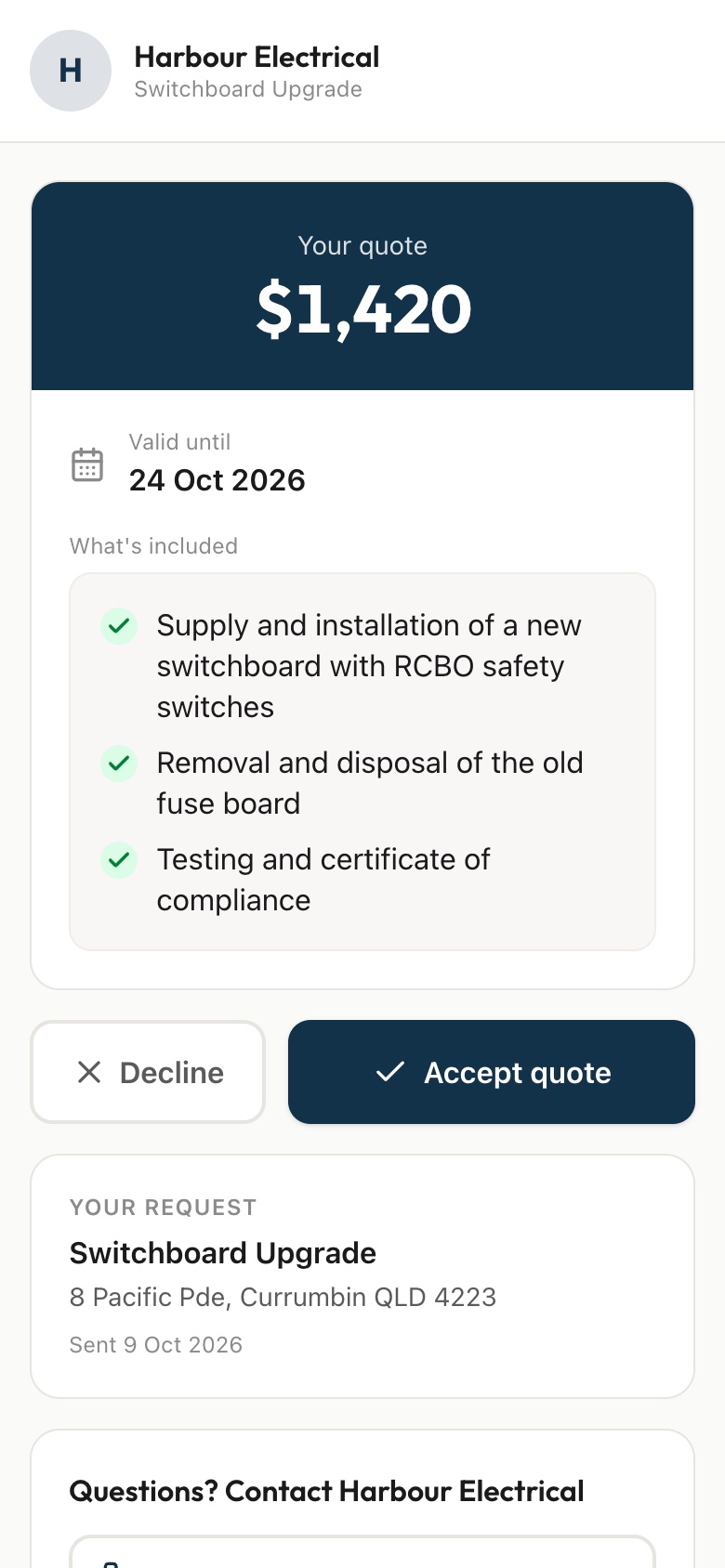
Send your customer a link. They answer a few questions and photograph the whole kitchen, the cabinets and benchtops, the appliances and any wall they want changed, then you price it from your phone and they sign to accept.
7 days free. Cancel any time.
Kitchen enquiries cover everything from a new benchtop to knocking out a wall and moving the sink. The first conversation often happens before the customer has decided much, so you spend time on site finding out they want the cooktop on the island, the oven moved and a budget that doesn't match. Every change to plumbing, electrical or walls pulls in other trades and changes the price.
A QuoteSnap link gets you the room and the plan first. Type 'full kitchen renovation' or 'benchtop replacement' and artificial intelligence (AI) writes the questions and photo requests. You check and edit them. Your customer photographs the kitchen from each corner, the cabinets, the appliances and any wall they want changed. You arrive at the first meeting knowing the scope, or price small jobs straight away.
Add any of these to your form, change anything you like, and your link is ready to send.
Not yet. Type the job, such as 'full kitchen renovation', 'benchtop replacement' or 'new splashback', and the AI writes the questions and photo requests. Edit them to match how you scope a kitchen, then save it and send the same form for every kitchen enquiry.
Usually not the final price. A full renovation needs measuring and a design conversation. What the link does is show you the room, the scope and the customer's plans before you visit, so the first meeting is about the job. Smaller jobs like a benchtop or splashback may be priced from the photos.
Ask whether any walls are changing and for photos of each side of them. The AI summary may flag it as something to check. Whether the wall can come out and what that involves is something you and the right people check on site. You'll just know about it before the first meeting.
Ask whether the sink, cooktop or oven are moving, and for photos of where they are now. That tells you early whether you'll need a plumber or electrician involved. You can list their part of the work in what's included on the quote, so the customer sees the whole job.
Ask about it as a question in the form, alongside what they're planning and their finishes. Seeing the scope and the budget together, before you visit, lets you have that conversation early. You decide whether it's worth a site meeting or a phone call first.
They can send inspiration pictures as photo requests on any plan. On Premium, customers can also upload videos and documents, so a walk-through video of the kitchen or a floor plan can come in with the request.
On Premium, the AI drafts a quote from the photos, the answers and your past quotes. You check it, change the lines and the prices, and send it when it's right. It's a starting point, not a final number, and for a kitchen you'll still review every line.
No. Your link opens in any phone browser. They tap through the questions, take the photos and send it.
Every plan starts with 7 days free. After that it's $4.99 a month for Basic or $8.99 a month for Premium, including GST. Cancel any time from your settings.
Pick a form, copy your link, and send it to your next enquiry. Cancel before day 7 and you won't be charged.