For locksmiths
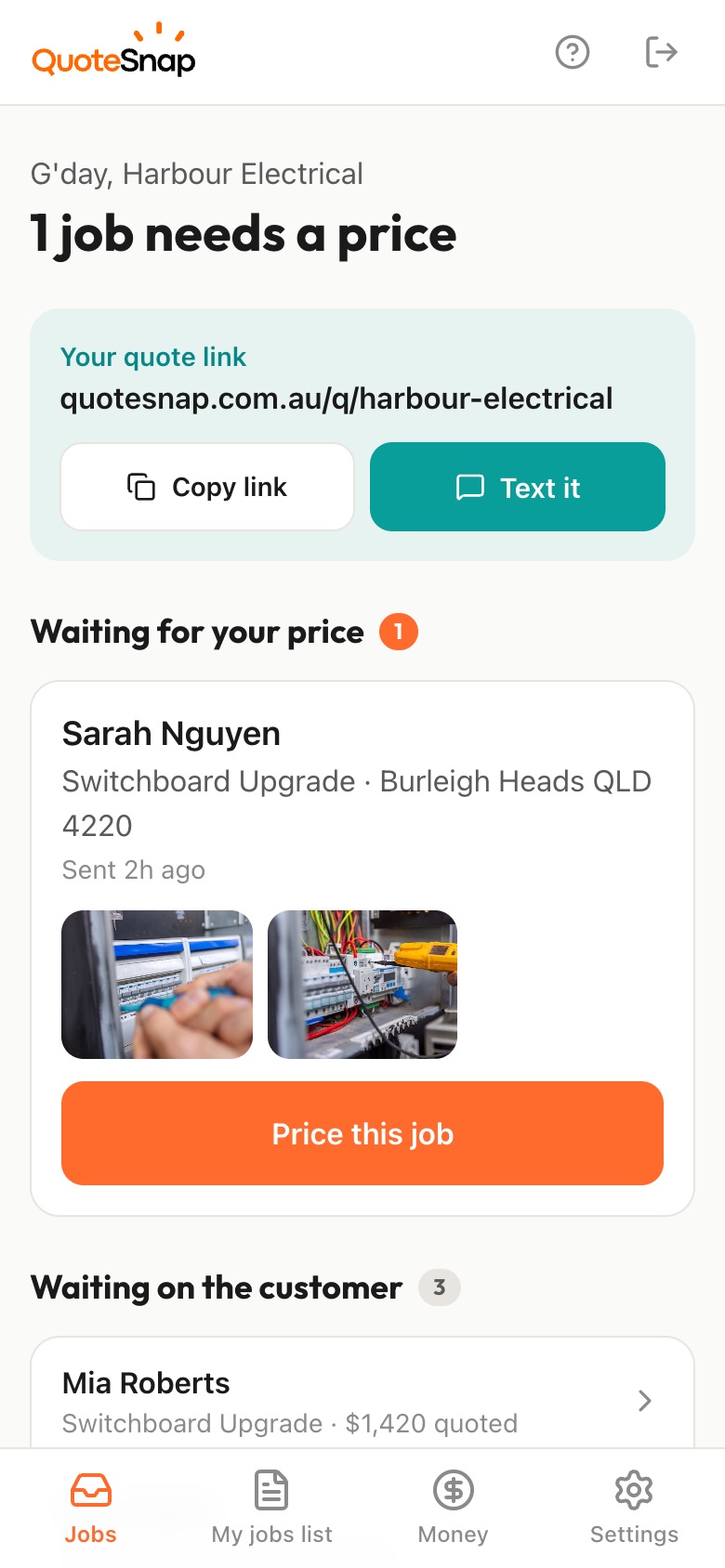
Text your customer a link. They answer a few questions and photograph each lock up close, the door it's on and the other ways into the building, then you price it from your phone and they sign to accept.
7 days free. Cancel any time.
'Can you change the locks?' could mean one front door deadlock or every door, window and garage in the house. The customer rarely knows the brand or type, so you're guessing which cylinders, how many keys and which parts to carry. A business asking about a master key system has even more you can't see from a call: how many doors, who needs access to what, and what's on the doors now.
A QuoteSnap link is for the planned work: rekeys, lock changes, security upgrades and master key systems. Type the job and artificial intelligence (AI) writes questions and photo requests, which you check and edit. Your customer photographs each lock, the full door and the other entry points. You see what's there before you load the van, then price it or arrange a site visit.
Add any of these to your form, change anything you like, and your link is ready to send.
Not yet. Type the job, such as 'rekey whole house', 'deadlock upgrade' or 'office master key system', and the AI writes the questions and photo requests. You check and edit them, add the lock types you work with and reorder the steps. Save it and send the same form next time.
No. The AI checks each photo is clear, lit and actually of the job, and asks your customer to retake it if not. It doesn't reliably identify brands or models. Ask for a close-up of any name on the lock face or key, and you read it yourself when the request comes in.
Not really. A customer locked out needs a phone call and someone on the way, not a form. QuoteSnap suits the work that can be planned: rekeys, lock changes, security upgrades and master key systems. Add an 'urgent or can be booked' question so you know which jobs to ring straight back.
Ask how many doors and which ones, and request a photo of each lock from the outside and inside. A customer who says 'just the doors' often forgets the laundry, the garage access door and the sliding door. Seeing them all lets you count the cylinders yourself and carry the right parts.
You can gather the starting point. Ask how many doors, how many staff need keys and which areas need restricted access, plus photos of each door and lock. Bigger systems usually still need a walk through the building. You decide when the photos are enough and when you need to visit.
Yes. Ask what's prompting it and for photos of every entry point, including windows and sliding doors. The AI summary flags things worth checking, such as door condition or missing information. Any security advice comes from you on site. QuoteSnap gathers what's there first so the quote matches the property.
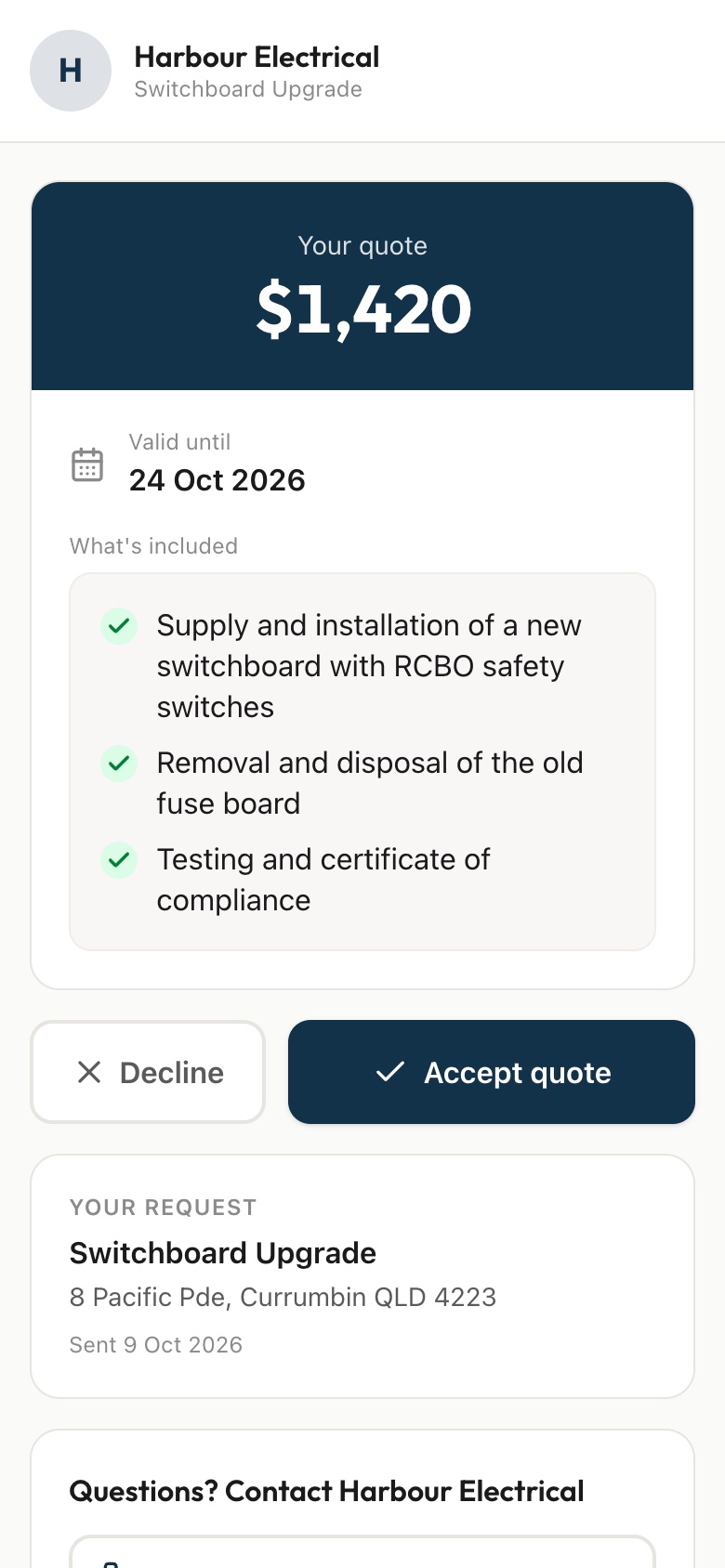
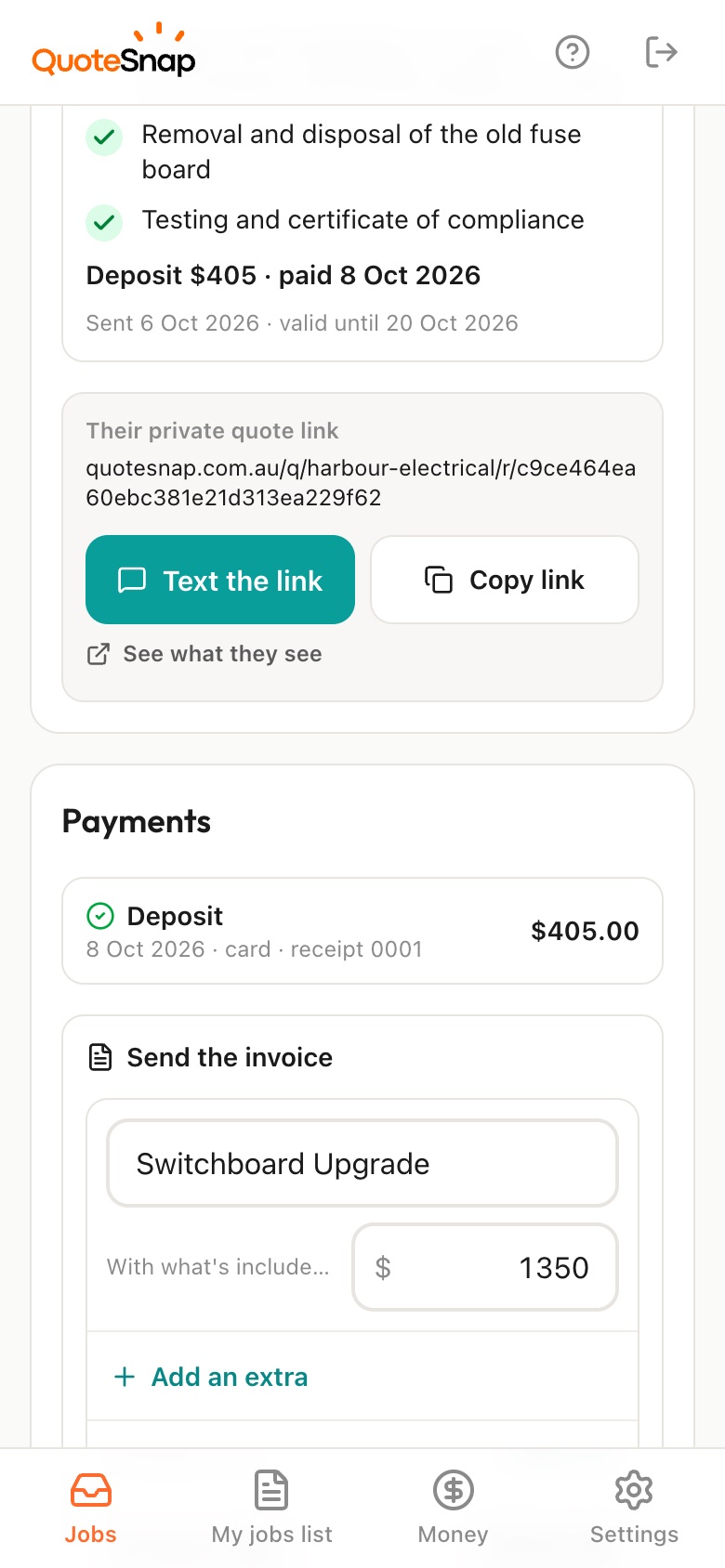
Yes. You price it from your phone and the quote goes out with a list of what's included, so you can put each lock, cylinder or key set on its own line. The customer reads it on the link they already used for photos and signs there.
No. Your link opens in any phone browser. They tap through the questions, take the photos and send it.
Every plan starts with 7 days free. After that it's $4.99 a month for Basic or $8.99 a month for Premium, including GST. Cancel any time from your settings.
Pick a form, copy your link, and send it to your next enquiry. Cancel before day 7 and you won't be charged.