For plasterers
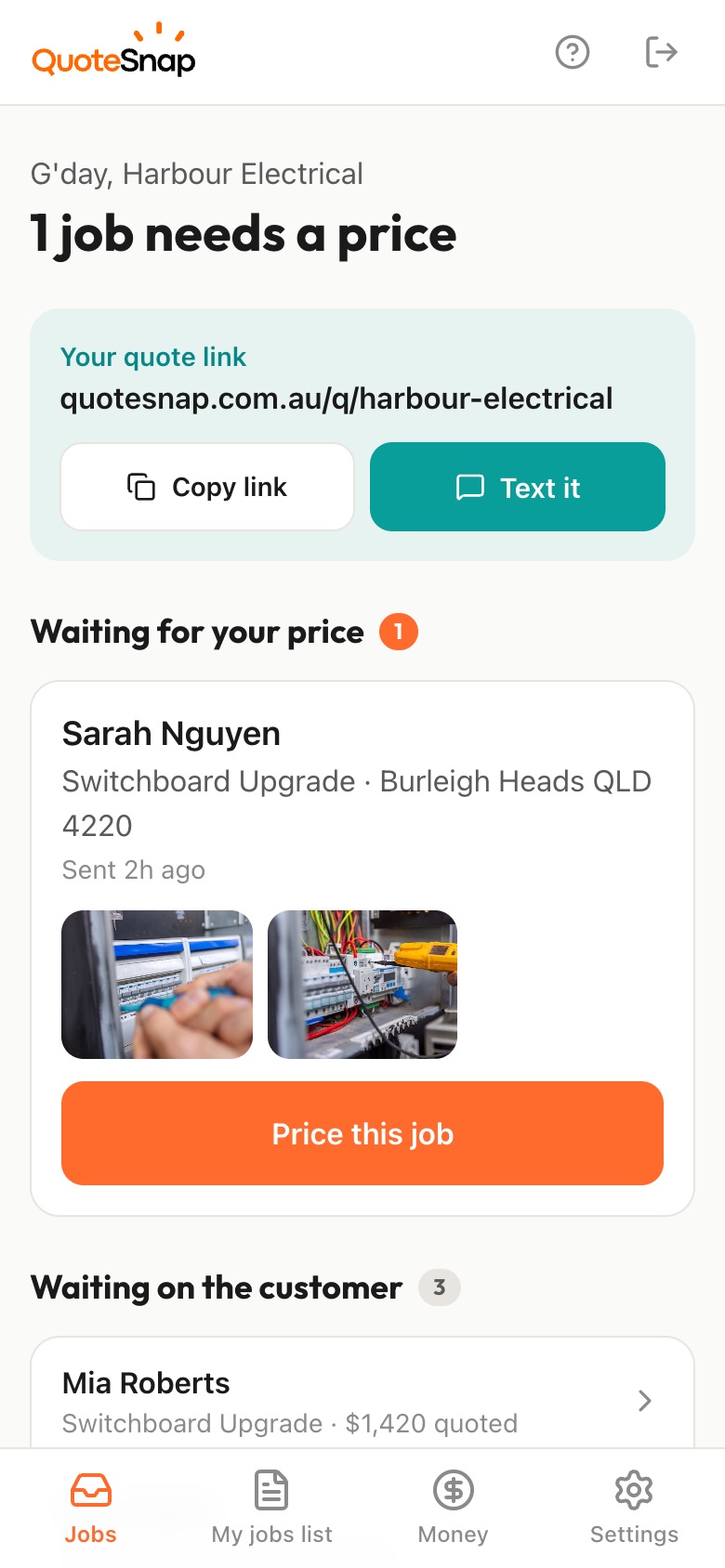
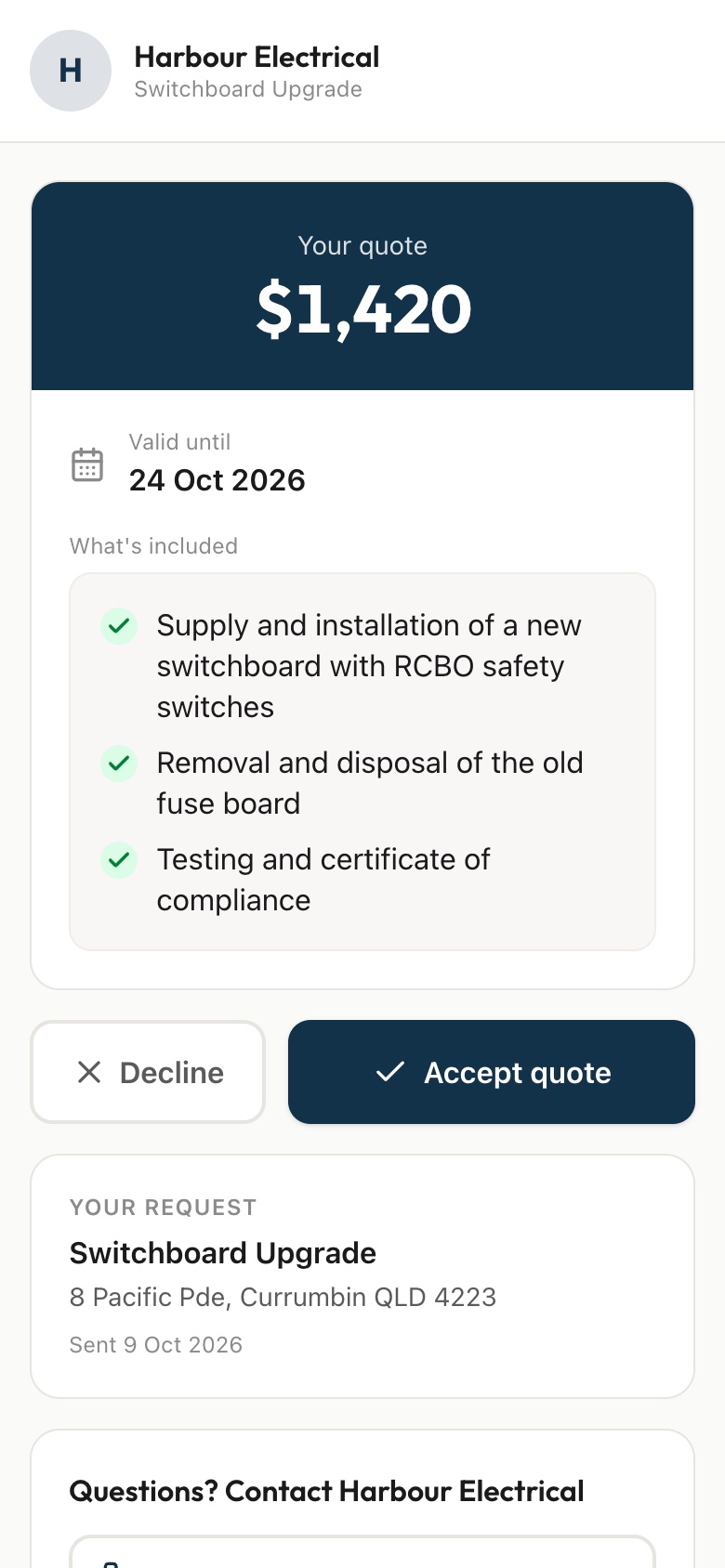
Send your customer a link. They answer a few questions and photograph the damaged wall or ceiling, the whole room and any cornice or texture to match, then you price it from your phone and they sign to accept.
7 days free. Cancel any time.
'A crack in the ceiling' can mean a hairline at a sheet joint or a sagging sheet that's been soaking up a roof leak for months. That's the gap you're quoting across when all you've got is a phone call. Then there's the ceiling height, whether it's one small patch or three rooms of repairs, and whether you'll be matching an old cornice profile or a textured finish that isn't made anymore.
A QuoteSnap link shows you the damage first. Type 'ceiling water damage repair' or 'patch and set three holes' and artificial intelligence (AI) writes the questions and photo requests, which you check and edit. Your customer photographs the damage up close, the whole room and the cornice. You see whether the leak's been fixed and how far the stain spreads, then price it or go take a look.
Add any of these to your form, change anything you like, and your link is ready to send.
Not yet. Type the job, such as 'ceiling water damage', 'patch repairs' or 'replace cornice', and the AI writes the questions and photo requests. You check and edit them, add your own options and change the order. Save the form so the next patch job goes out with the same questions.
Ask whether the leak has been fixed, and for a photo of the stain edge to edge plus a wide shot of the room. A sagging sheet or a stain that's still spreading is something you'd want to see in person. You decide if the photos are enough to price it.
Ask how many spots need work and for a photo of each one. A customer who says 'a few holes' might mean three or twelve, across several rooms. Seeing them all in one request lets you price the whole lot as one visit, with each area listed in what's included on the quote.
Ask for close-ups of the cornice profile and the wall or ceiling finish. You'll see whether it's a common profile or something older that may need a section made up. The AI checks the photos are sharp and of the job, but you're the one who judges the match.
Ask about ceiling height as a tap-to-answer question, with options for raked ceilings and voids, and for a photo from floor to ceiling. The AI summary flags things to check, such as height, access or furniture in the way, so you know whether to bring a scaffold or a trestle.
Type 'render front of house' or 'texture coat side wall' and edit what the AI writes. Ask what the wall is made of, roughly how big it is, whether there's existing render and for photos of each wall and any cracks. The AI doesn't measure walls, so ask for rough sizes in a question.
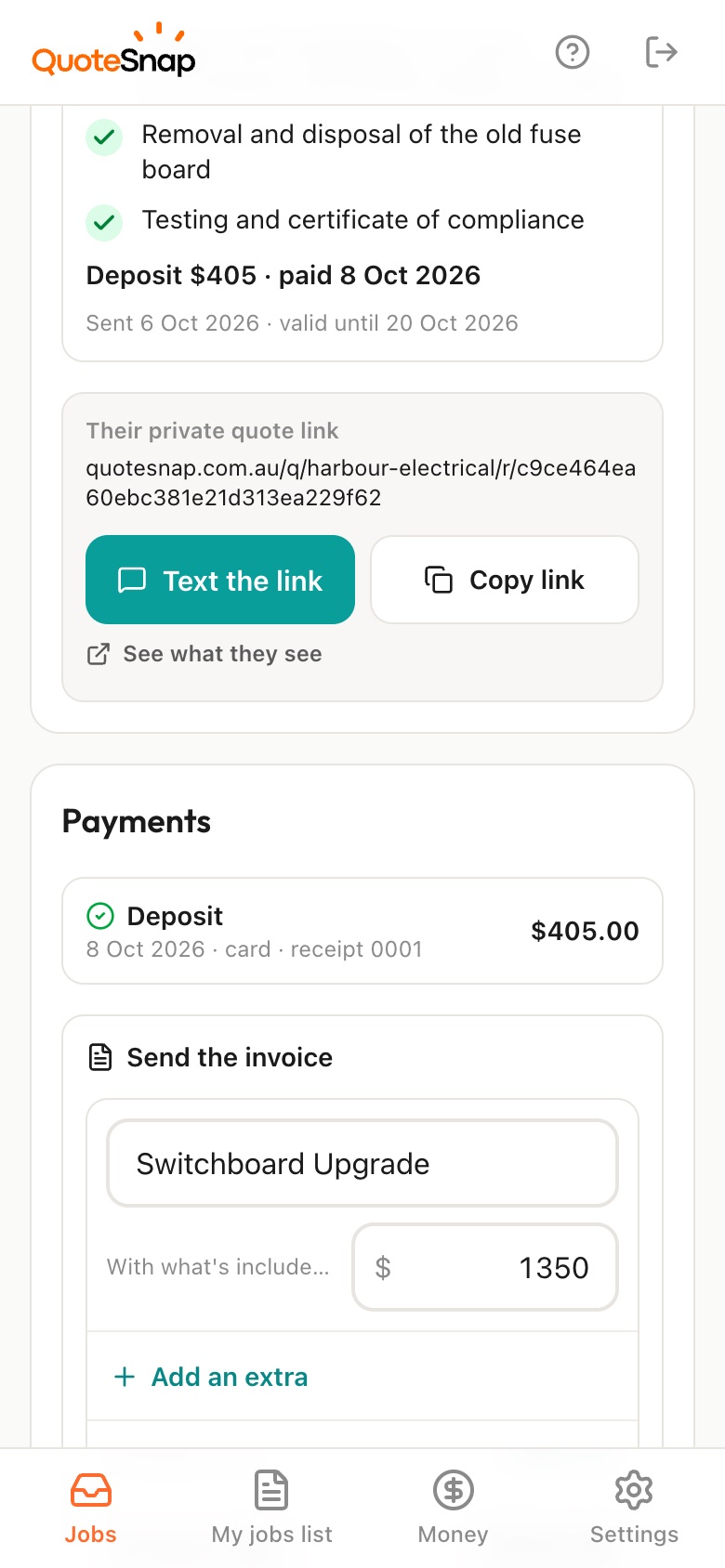
Yes. Once the work is done, send an invoice from the job. On Premium, your customer can pay by card or bank and it marks itself paid. On any plan you can mark cash or bank transfer as paid yourself. Keep running your jobs in whatever you already use.
No. Your link opens in any phone browser. They tap through the questions, take the photos and send it.
Every plan starts with 7 days free. After that it's $4.99 a month for Basic or $8.99 a month for Premium, including GST. Cancel any time from your settings.
Pick a form, copy your link, and send it to your next enquiry. Cancel before day 7 and you won't be charged.