For scaffolders
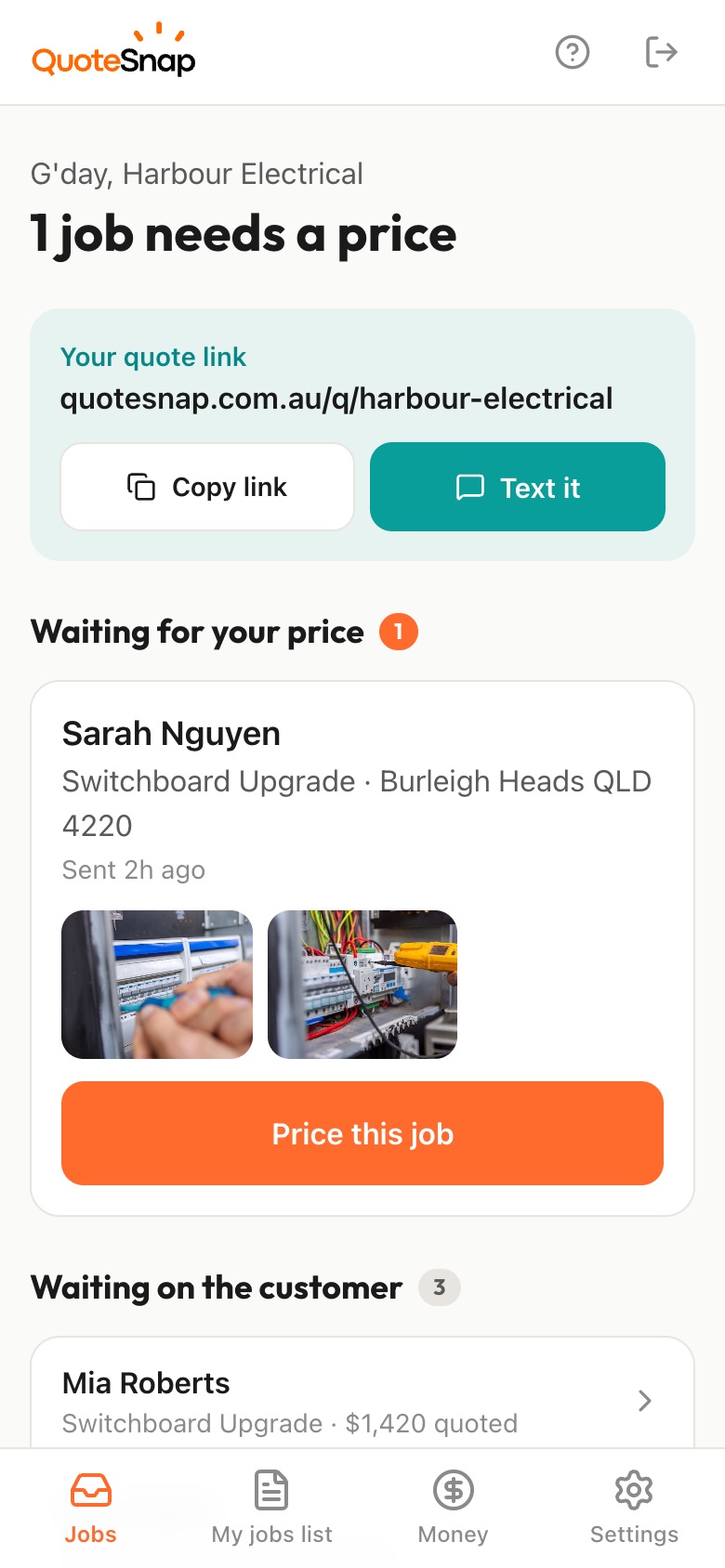
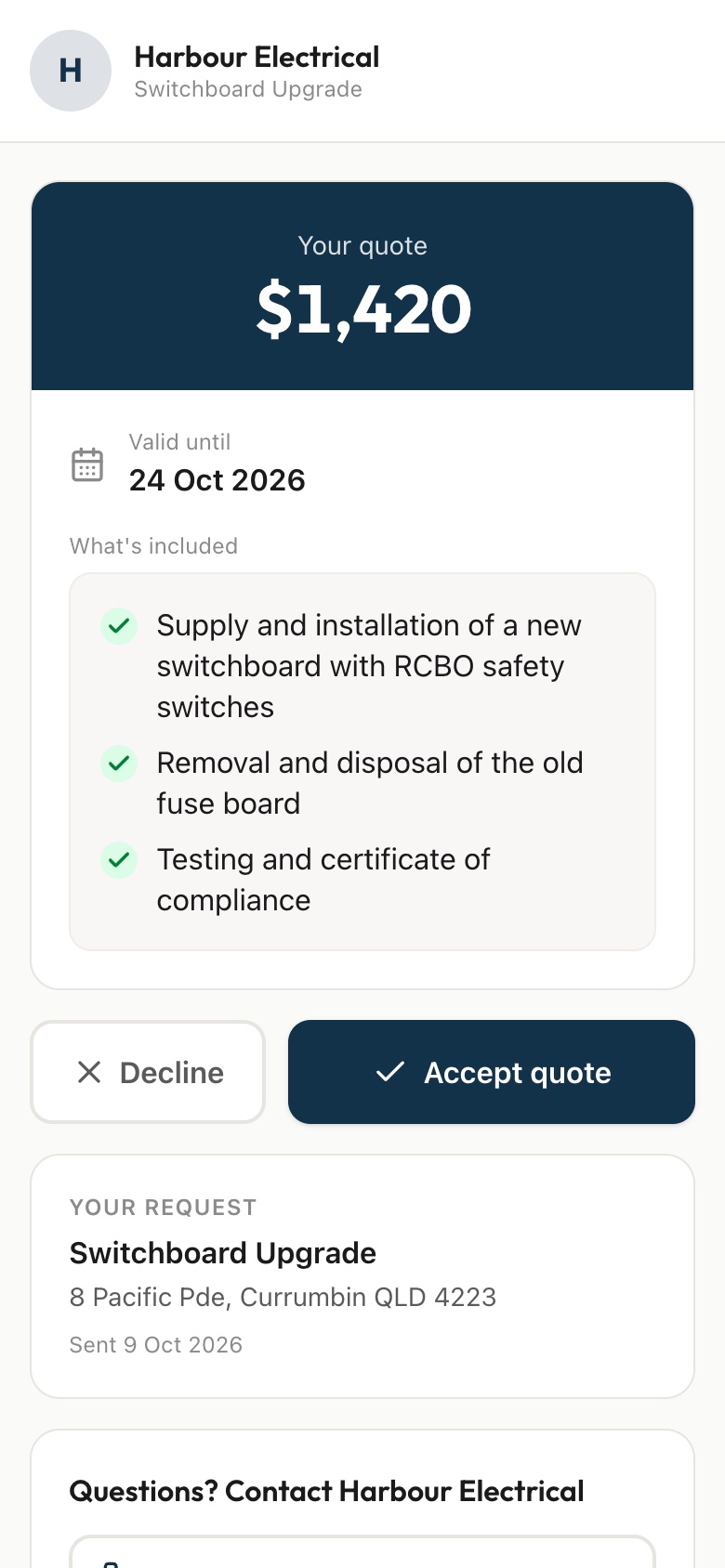
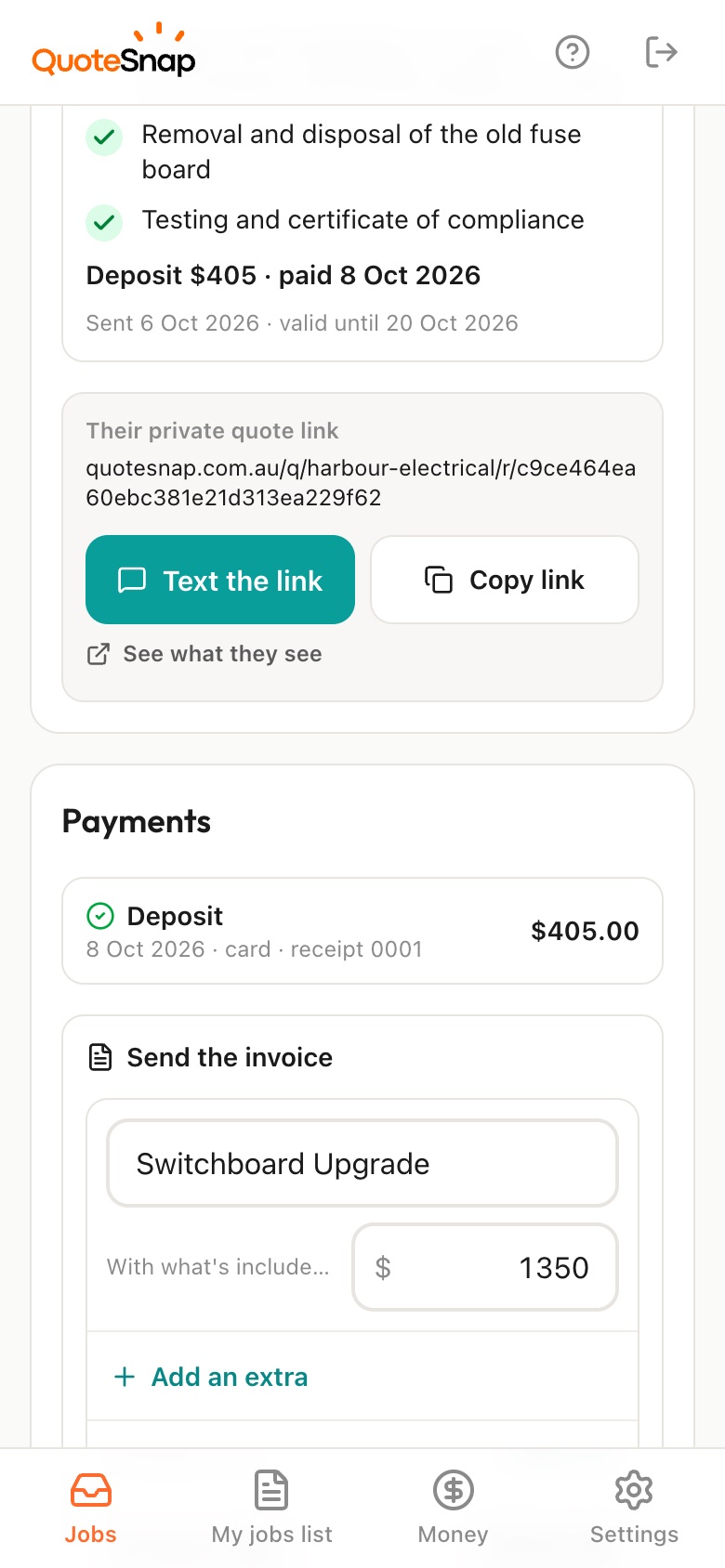
Text your customer a link. They photograph each side of the building, the ground it will stand on and anything overhead, then you price it from your phone and they sign to accept.
7 days free. Cancel any time.
A scaffold enquiry tends to come with a street address and not much else. You don't know how many storeys, which sides need covering, whether the ground is concrete or a sloping garden bed, or how narrow the side passage is. You don't know who it's for, how long they'll need it, or if there are power lines near the roofline. Each one changes what goes on the truck.
QuoteSnap doesn't have a ready-made scaffolding form yet. Type the job, like painting scaffold or roof access, and artificial intelligence (AI) writes the questions and photo requests. You edit them before the link is sent. Your customer then photographs each side of the building, the ground where it will stand, tight spots and anything overhead. You see the site before deciding whether you can price it or need to look.
Add any of these to your form, change anything you like, and your link is ready to send.
Not yet. Type the job name, such as residential scaffolding or painting scaffold, and AI writes the questions and photo requests. Check them, add the questions you always ask, and change the order of steps if you like. The form is saved for the next job.
Not from the AI. It doesn't reliably measure, so ask how many storeys and whether there's a raised floor or steep roof. The photos show the building's shape and each side that needs covering, and you judge the rest. If it's unclear, you decide whether to go and see it.
Ask for a photo of anything overhead near the building. The AI summary can flag what it sees, such as lines, trees or awnings, as something to check. It's a prompt for a closer look, not a judgement on the site. Anything near power lines is your call.
Ask how long your customer expects to need the scaffold and what work it's for. Put the hire period in the list of what is included on your quote. They sign that list, so it's clear what the price covers if the job runs over.
Add a question asking which trades will be working off it and in what order. A painter and a roofer often need different lifts and access. You see it before you price, and your list of what is included sets out what you've allowed for.
Yes. The link works for anyone with a phone browser, so a builder or painter can send you the photos from site just as easily as a homeowner. You can keep a separate form for trade customers with the questions they're best placed to answer.
It works as a first step. Type the job and AI writes questions such as building use, when you can get on site and access restrictions. Change any that don't apply. Bigger sites usually still need a site visit, but you arrive with the photos and details already in hand.
No. Your link opens in any phone browser. They tap through the questions, take the photos and send it.
Every plan starts with 7 days free. After that it's $4.99 a month for Basic or $8.99 a month for Premium, including GST. Cancel any time from your settings.
Pick a form, copy your link, and send it to your next enquiry. Cancel before day 7 and you won't be charged.